Grow Local
Grow Local
Tips & Advice

Who Keeps Your Website After You Cancel? Renting vs Owning Explained

November 10, 2026Skip to article
Grow Local

Are you a local business owner?

Build your site free

Free. Takes a few minutes.

Love it? Go live

$99/month. Cancel anytime.

Get more customers

SEO optimized and AI ready.

Loading website builder...

2,500+ local businesses
already online
Who Keeps Your Website After You Cancel? Renting vs Owning Explained

Key Takeaways

  • 1A rented presence lives on a platform account that sets the rules, while an owned website lives on your own domain where you control the content and address.
  • 2Social accounts and free profiles can be suspended or shut down by the platform, as seen in the July 2025 Meta ban wave and Google closing its free Business Profile websites in 2024.
  • 3Your domain name is the asset that travels with you, so connecting your own domain keeps the address in your hands if you ever change providers.
  • 4DreamHost's 2026 survey found 69% say a website is essential for credibility and 39% have declined a business for lacking one.
  • 5Yext's October 2025 analysis found first-party websites were the top source of AI citations at 44%, ahead of listings at 42%.
  • 6Grow Local is done for you: type in your business info, pick a design, and the site is written, launched, and kept AI-ready behind the scenes.
  • 7Grow Local is $99 per month with no contract, you can build free first, and cancel anytime from the dashboard.
  • 8If you cancel Grow Local, the site stays up until the end of the paid month and your content is kept for 90 days.

Who keeps your website after you cancel depends on whether you rent or own it, and owning your domain and content keeps you in control. If you built your whole presence on a platform account, that platform can take it away. If you own your domain and keep a copy of your content, you can walk out the door and take it with you.

Picture a local owner who spent two years posting every special, every photo, and every review response on an Instagram account. One morning the account was gone. No warning, no way back in, and no customer list saved anywhere else. Two years of work lived on someone else's account, and that account was removed by a system the owner could not argue with.

Couple reviewing website hosting options together on laptop at home desk

What Renting vs Owning Your Website Really Means?

The difference between owned vs rented comes down to one question: whose account is it on, and who makes the rules. A rented presence lives on a platform that owns the account. An owned website lives on your own domain, where you hold the address and the content.

Website ownership is not about how pretty a page looks. It is about who can switch it off. When you build on a platform, you are a guest. When you build on your own domain, you are the landlord.

Here is a simple way to see the two side by side.

What mattersRented (social or free profile)Owned (your own domain)
Who owns the accountThe platformYou
Who sets the rulesThe platformYou
Can it be switched offYes, by the platformYou control it
Who holds the addressThe platformYou, on your own domain
Moves with you if you leaveUsually notYes, if you keep your content

A Rented Storefront You Do Not Control

A Facebook Page, an Instagram account, or a Google Business Profile is rented space. You put your work inside it, but the platform owns the walls and the lock on the door. That means the platform sets the rules, and the rules can change without your say.

Think of it like a booth in a market you do not own. The market owner decides who stays and who goes. If you break a rule you did not know existed, or if a system flags you by mistake, your booth can be closed while you are still holding the key.

In June 2026 the Queensland Small Business Commissioner, a government small business office in Australia, made this point plainly. It warned that Meta owns the platform and account permissions, and that accounts can be restricted for reasons outside a business's control. Its advice was to build your own website and not rely only on third-party platforms.

That guidance is Australian, but the idea travels. The company behind the platform decides who can post and who cannot, and that control does not belong to the business owner. A rented storefront can serve you well right up until the day it does not.

An Owned Website You Control

A website on your own domain is owned space. The domain is your street address on the internet, like yourbusiness.com. You control the content on it, and you control the address itself.

Nobody can hand your domain to a competitor or flip it off because a system flagged a photo. You decide what goes on the pages, how they read, and when they change. That control is the whole point of owning instead of renting.

Connecting your own domain is simpler than most owners expect. With Grow Local, you add one DNS record and the site is tied to your address. DNS is the address book of the internet, the system that points your domain name to the right place.

Once that one record is in, you hold the keys. You can read more about how this works on the custom domain feature page. The address is yours to keep.

Why This Matters When You Cancel

Now connect this back to the cancel question. If you built everything on a rented account, leaving the platform or losing access can take your content with it. The posts, the photos, and the followers often do not come out in a form you can reuse.

A website on your own domain works differently. The address is yours, and if you keep a copy of your content, you can move it to another provider later. That is portability, and it is the safety net rented accounts rarely give you.

This is why so much depends on how you set things up before you ever think about canceling. Owners who plan for the exit never lose their home base. Owners who do not often learn the hard way that their work was never really theirs to keep.

What Happens to Your Content When You Cancel a Service

Leaving a service should be as clean as joining one. Before you sign up anywhere, it helps to know exactly what you walk away with. Content ownership, domain ownership, and a website backup are the three things that decide how smooth your exit will be.

Every provider handles cancellation differently. Some let you take your content. Some hold your domain. Some tie you to a contract that is hard to leave. The time to learn this is before you pay, not after.

Questions to Ask Before You Sign Up Anywhere

A short list of questions can save you a lot of trouble. Ask any provider these before you commit, and write down the answers. If a company dodges them, that is an answer too.

  • Do I own the domain, or does the provider hold it?
  • Can I take my content with me if I leave?
  • Is there a contract, or can I cancel anytime?
  • How exactly do I cancel, and who do I talk to?
  • What happens to my pages and content after I leave?

These questions matter because the default on many platforms is that you keep nothing. The account was never yours, so the content on it was never yours to export in full. A clear cancel path and real content ownership are what separate a provider you can trust from one you cannot.

Pay close attention to the contract question. A month-to-month arrangement lets you leave when something stops working for you. A long contract keeps you paying even when you want out, which is the opposite of control.

Your Domain Is the Part That Travels With You

Of everything tied to your web presence, the domain name is the one asset that moves with you. It is your address, and a good setup keeps that address in your hands. Change providers, and the domain comes along like a phone number you ported to a new carrier.

This is why connecting your own domain matters so much. When you own the address, no provider can hold it hostage. You keep the name customers already know, even if everything behind it changes.

With Grow Local, you connect your own domain by adding one DNS record. We verify that record and set up SSL automatically. SSL is the padlock in the browser bar that keeps a visitor's connection secure, and it is handled for you.

Because the domain is yours, your web presence is portable in a way a rented account never is. The address stays with the business, not the platform. That is the quiet advantage owners feel most when they decide to move on.

How Grow Local Handles Cancellation

We keep cancellation plain because that is how it should be. Grow Local is one plan at $99 per month with no contract, and you can cancel anytime from your own dashboard. The Account page has a Cancel Subscription button, so you never have to call and argue to leave.

When you cancel, it takes effect at the end of your current billing period. Your dashboard shows the date your subscription is set to end, so there are no surprises. You keep using the site through the month you already paid for.

After that, the site stays up until the end of the paid month, and your content is kept for 90 days. That window gives you time to decide your next step without losing your work on day one. And because you connected your own domain, the address was always yours to keep.

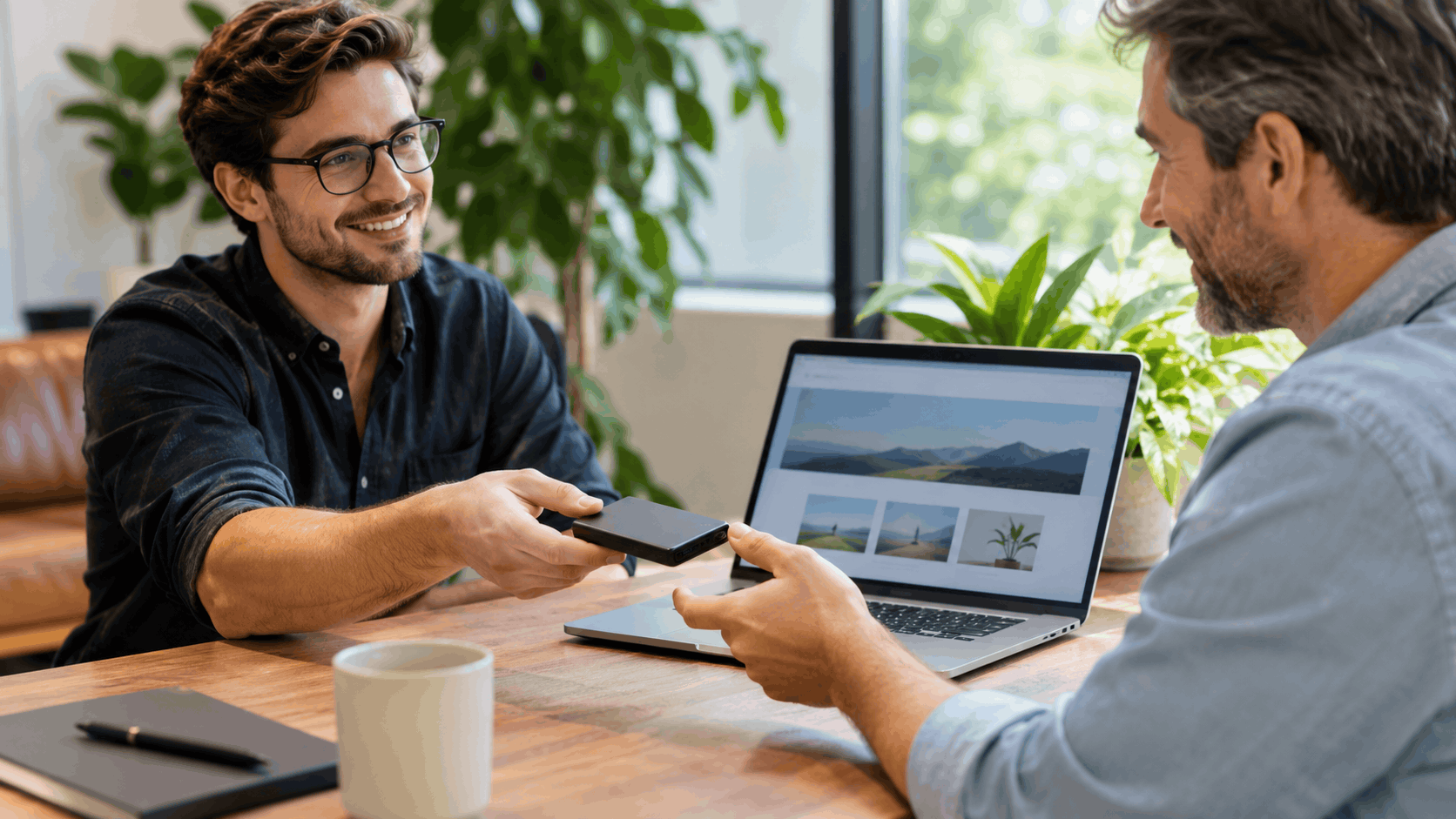
Two men smiling while exchanging a portable hard drive over a laptop

Why Social Accounts and Free Profiles Can Vanish Overnight

Account suspension is not a rare horror story. It happens, sometimes in waves, and often with little warning. A Facebook ban or a Business Profile removed by a system can take a business offline before the owner even knows why.

None of this predicts a ban for any one business. The point is simpler. When your presence lives on a platform, the platform can turn it off, and the stories below show that is a real risk worth planning around.

The 2025 Meta Ban Wave

In July 2025, TechCrunch reported a mass ban wave hitting Facebook and Instagram accounts and Facebook Groups. Users said some bans were errors, and some lasted weeks or months. People lost business accounts they had spent years building.

The frustrating part was how little help was available. Even people who paid for Meta Verified said they got little support when their accounts went dark. A petition about the bans gathered more than 25,500 signatures from users looking for answers.

Meta publicly acknowledged only the Groups bans, blaming a technical error. The account removals got less of a public response. For a business owner, the lesson is clear: a system can flag your account, and a human may not fix it quickly, if at all.

That is the risk of building your home base on a rented account. You are trusting a system you cannot see and cannot appeal to directly. When it goes wrong, your business is the one left waiting.

A Shop Owner Who Lost Her Main Sales Channel

In December 2025, Spectrum News reported on a California shop owner whose Instagram account was removed. That account had more than 35,000 followers and was her main sales channel. She says the removal was an error made by Meta's AI security system.

Imagine running most of your sales through one account, then waking up to find it gone. The followers, the messages, and the buying audience vanished at once. That is not a small setback. For many small shops, that is the whole business.

The same article reported that more than 635,000 Instagram and Facebook accounts were taken down after Meta's AI system detected violations of its child exploitation, abuse, and nudity policies. Enforcement at that scale means mistakes happen. Some of those accounts belong to real businesses caught in the net.

A story like this is concrete, not scary for its own sake. It shows what it looks like when a rented sales channel disappears. A website on your own domain would have stayed right where it was.

Google Can Suspend a Profile Too

It is not only Meta. Google states in its own words that it may suspend or disable Business Profiles that do not follow its guidelines. That is a plain warning from the platform itself.

When a profile is removed, Google says the public cannot go to the profile. Owners cannot manage it either. The business loses its listing and its control at the same moment.

Owners can appeal a suspension, and Google provides a process for it. Google also says not to create a new profile while an appeal is under review, since that can make things worse. So an owner may wait, unable to act, while the profile sits dark.

A Google Business Profile is a strong tool, and it belongs in your plan. But it is rented space, and the rules sit with Google. It should support a website you own, not stand in for one.

Even Free Google Websites Went Away

Here is a case where the platform itself pulled the plug. Search Engine Land reported in March 2024 that Google's free Business Profile websites were no longer available as of March 5, 2024. These were simple sites Google gave businesses for free.

Visitors to those sites were redirected until June 10, 2024. After that, they were shown a Page not found error. The free site owners did not choose this. Google did.

Think about what that meant for a business that had printed that web address on cards, signs, and vehicle wraps. The address simply stopped working. Anyone who typed it in hit a dead end.

A free rented site can be switched off by the owner of the platform, with no fault on your part. That is the deal with free and rented tools. When you do not own the address, you do not control whether it keeps working.

What Customers Expect From a Business That Owns a Website

Owning a website is not just about safety. It is about what customers already expect. Website credibility shapes whether a shopper trusts a local business before they ever call, and the data on consumer trust is hard to ignore.

The numbers below come from companies that sell related products, so we name them plainly. A survey from a website seller and one from a listings company still point the same direction. A local business website is now something buyers look for.

A Website Builds Trust

DreamHost's 2026 Local Business Trust Index, a November 2025 survey of 1,201 Americans ages 18 to 64, found that 69% say a website is essential for a local business to be credible. That is more than two in three people. A business without one looks less believable to them.

The same survey found that 70% are more likely to do business with a company that has a website. Not just more impressed. More likely to actually hire or buy. A website moves the needle on the decision itself.

DreamHost sells websites, so this is a company with a reason to favor them. We name that so you can weigh it. Still, the pattern lines up with what owners see every day when customers check them out before calling.

A website gives a shopper a place to confirm you are real. They can see your services, your hours, and your photos in one spot you control. That confirmation is what turns a maybe into a call.

No Website Can Cost You the Visit

The absence of a website does more damage than many owners think. DreamHost's survey found that 39% have declined to visit or buy from a business because it lacked a website. More than a third walked away over a missing site.

That is a lost customer who never called and never explained why. They simply moved on to a competitor who had a website to check. You never hear about those visits, which makes the cost easy to miss.

The same survey found that 45% say businesses without a website feel less real. Less real means less trusted. In a crowded local market, feeling less real is enough to lose the job.

So a missing website is not neutral. It is a quiet subtraction from your pipeline. Fixing it puts a home base in front of the shoppers who are already looking you up.

Where People Go After a Review or AI Answer

Even when customers start somewhere else, they tend to end up at a website. BrightLocal's Local Consumer Review Survey 2026 of 1,002 US adults found that after reading positive reviews, 54% visit the business's website while 24% visit its social media channels. The website wins by more than two to one.

That means reviews push people toward your site, not just your social page. If the site is not there, the trail goes cold at the exact moment a reader is ready to act. You want a place for that reader to land.

AI tools point the same way. Yext's March 2026 survey of 1,120 US adults found that after an AI recommendation, 58% visit the business website. People take the recommendation and then go check the source for themselves.

Put these together and the picture is clear. Reviews and AI answers send people looking for a website. A business that owns one is there to catch that visit, and you can set that structure up on a done-for-you website.

Two professionals exchanging external hard drive with website portfolio open on laptop

Why Owning a Website Helps You Show Up in AI Answers

AI tools are becoming a front door for local search. When someone asks an AI assistant for a recommendation, the assistant pulls from somewhere. More and more, that somewhere is a first-party website, which makes AI visibility a real reason to own one.

A first-party website is simply your own site on your own domain. It is content you control, written about your business. AI tools tend to trust and cite that kind of source.

Websites Are the Top Source AI Tools Cite

Yext analyzed 6.8 million citations across ChatGPT, Gemini, and Perplexity from July to August 2025. First-party websites were the largest single source of AI citations at 44%. Listings came in close behind at 42%.

That means nearly half of what these AI tools cited came from businesses' own websites. Not social posts. Not random mentions. The site the business owns and controls.

Yext sells listings software, so they have a reason to talk up listings too. We name that so you can judge the source. Even so, the finding that websites lead is worth sitting with.

If AI tools are reaching for first-party websites first, a business without one is harder to cite. You cannot be the source if you do not have a page to be the source. Owning a site puts you in the pool AI draws from.

Why AI Favors Content You Own

There is a plain reason AI leans on owned content. A website on your own domain gives AI tools clear, structured content tied directly to your business. Your services, your service areas, and your details live in one place that reads cleanly.

A rented profile does not give you that same control. You fill in the boxes the platform offers, in the format it decides. You cannot shape the content the way you can on your own pages.

Structured content means information laid out in a way machines can read and sort. Service pages and location pages do this well because each page has a clear subject. An AI tool can match a question to the right page.

Grow Local sites are built AI-ready for this reason. The structure is there from the start, so your content is easy for AI tools to understand. You do not have to know how any of that works to benefit from it.

Why Owning Still Matters Even With AI Recommendations

Some owners wonder if AI makes a website unnecessary. The data says the opposite. DreamHost's survey found that only 35% would consider a business recommended by AI if it lacks a website. Without a site, most people pass even on an AI pick.

So the AI recommendation alone is not enough. People want to see a real website before they trust the suggestion. No site, no confidence, no call.

Yext's finding fits here too. After an AI recommendation, many people still search Google and visit the business website. The AI points them somewhere, and that somewhere needs to exist.

Think of AI as a signpost. It sends people toward a landing page. If there is no page to land on, the whole journey ends in nothing. Owning a website gives those visitors a place to arrive.

How to Set Up a Web Presence You Actually Own

Enough on the risks. Here is a practical plan to own your web presence while keeping your social and Google profiles working for you. The goal is a home base you control, with a DNS record, your own domain, and support channels around it.

You do not have to abandon anything you already use. You just stop treating rented accounts as your foundation. The foundation becomes a site you own.

Keep Social and Google as Support, Not Your Home Base

Keep your Facebook Page, Instagram account, and Google Business Profile. They reach people and they build familiarity. There is no reason to walk away from an audience you have already earned.

The shift is in how you think about them. Treat each one as a rented storefront that can vanish, not as the center of your business. They point people toward your home base, which is the website you own.

Your Google Business Profile still plays an important part. With Grow Local, owners add a link to their Google Business Profile, so visitors can find both. The profile and the site work together, with the site as the anchor.

This way, if a rented account ever goes dark, your business is still standing. The home base stays up because you own it. The social accounts are helpers, not the whole house.

Connect Your Own Domain

Owning starts with your own domain. With Grow Local, you connect it by adding one DNS record. DNS is the address book of the internet, the system that points your domain name to your site.

One record is all it takes. You add it, we verify it, and we set up SSL automatically. SSL is the secure padlock in the browser bar, and you do not have to configure a thing.

DNS changes can take time to spread across the internet. That is normal, and it is out of anyone's hands, so give it a little patience after you make the change. Once it settles, your domain points to your site and stays there.

From that point on, the address is yours. See the custom domain setup for how the step works. The domain is the part that makes the whole presence truly owned.

Manage It Without Technical Skills

Owning a site should not mean wrestling with code. From the Grow Local dashboard, you handle everyday changes yourself with no help needed. Add or change services, update your business hours, and change phone numbers in a few clicks.

You can also upload photos and your logo, and adjust your colors and design. The dashboard is built so a busy owner can make a quick edit between jobs. No waiting on a developer, no support ticket for a simple fix.

The dashboard also shows how your site is doing. It counts Call Clicks, which are taps on your website's call button, and it collects contact form leads for the month. It adds them together as Total Leads so you see the activity in one place.

One honest note on that: the Call Clicks count is a tally of call button taps only. Grow Local does not record calls or store callers' phone numbers, so it is not call tracking. You can dig into the numbers on the leads and analytics page.

Keep a Local SEO Structure Built In

A site you own should be built to get found. That starts with structure. Service pages and location pages give both people and search tools a clear map of what you do and where you do it.

A service page covers one thing you offer, in plain detail. A location page covers an area you serve. Together they help your site show up on Google and AI tools for the right searches, because each page has a clear job.

With Grow Local, this local SEO structure is built in from the start. You do not have to plan it or wire it up. The service pages and location pages come as part of the site.

This is the kind of foundation a rented profile cannot give you. You control the pages, the wording, and the areas you cover. That control is what makes an owned site work harder for you over time.

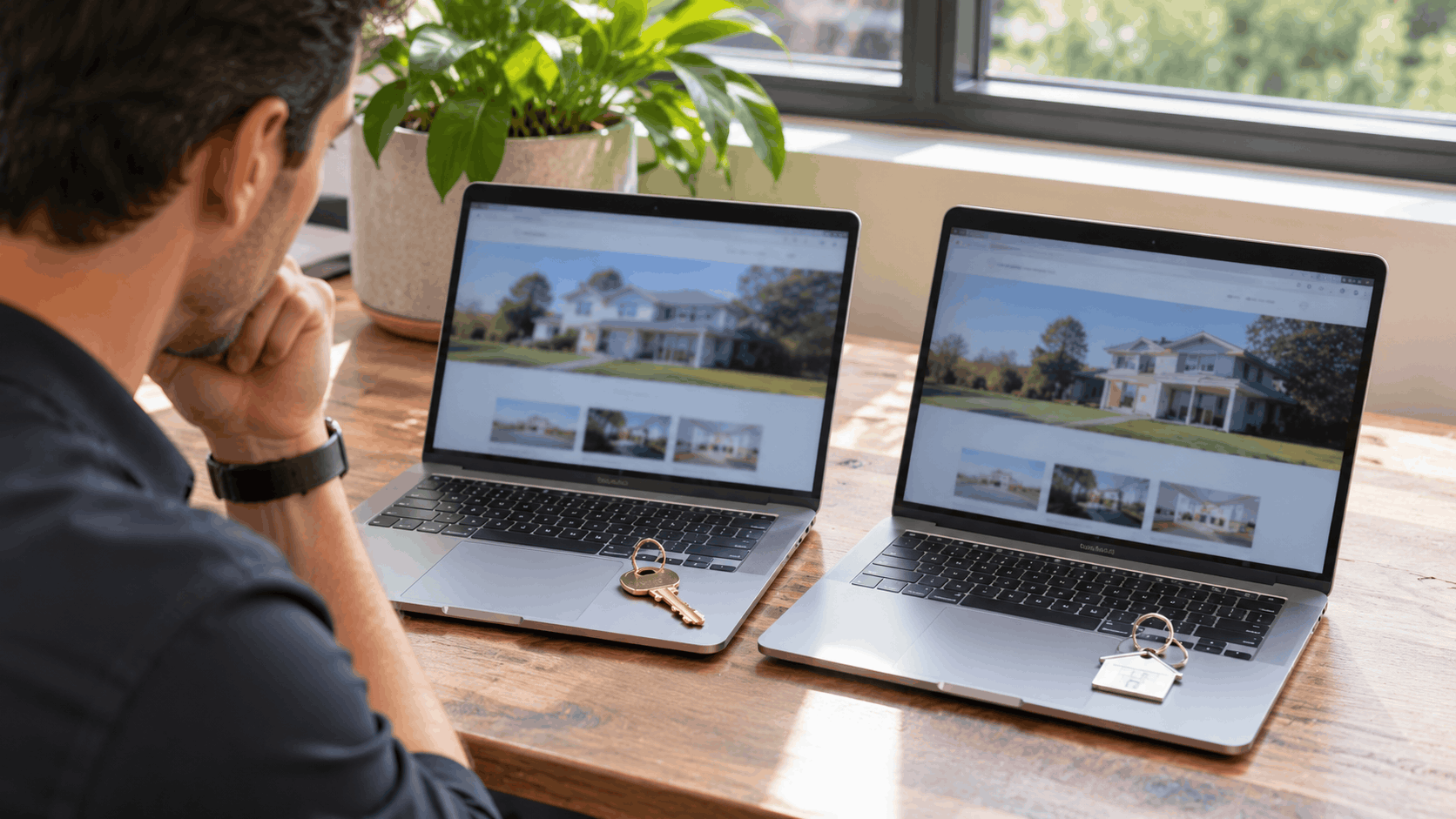
Man comparing two real estate websites on MacBook laptops with house keys nearby

How Grow Local Gets You a Website You Own

Grow Local is done for you. It is not a do-it-yourself builder that hands you an empty editor and wishes you luck. You type in your business info and pick a design, and we handle the rest.

From there, Grow Local writes and launches your site. It is SEO optimized and AI ready from the day it goes live, with service pages and location pages in place. You do not need any technical skills to get a site that is built to help you get found on Google and AI tools.

Behind the scenes, we keep improving the technical SEO and AI visibility of every site on an ongoing basis. That means hosting, security, and the parts that help AI tools understand your pages are handled for you, so you never have to think about them. You connect your own domain by adding one DNS record, we verify it and set up SSL automatically, and that address stays yours.

One plan is $99 per month. There is no contract, no setup fee, and you can build free first to see your site before you pay. If you ever cancel, you do it yourself from the dashboard, the site stays up through the paid month, and your content is kept for 90 days.

How Grow Local Gets You There

Owning a website should not require learning web design or SEO. With Grow Local, you type in your business info and pick a design, and we take it from there. You bring what you know about your business, and we handle the build.

Grow Local writes and launches your site for you, with service pages, location pages, and an AI-ready structure in place. You connect your own domain with one DNS record, and that address stays yours no matter what. Behind the scenes, we keep improving the technical SEO and AI visibility of every site, so you never have to think about it.

It is $99 per month, and you can build free first to see your site before you pay. There is no contract, and you can cancel anytime from your dashboard. The point is a home base you own, set up without the technical headache.

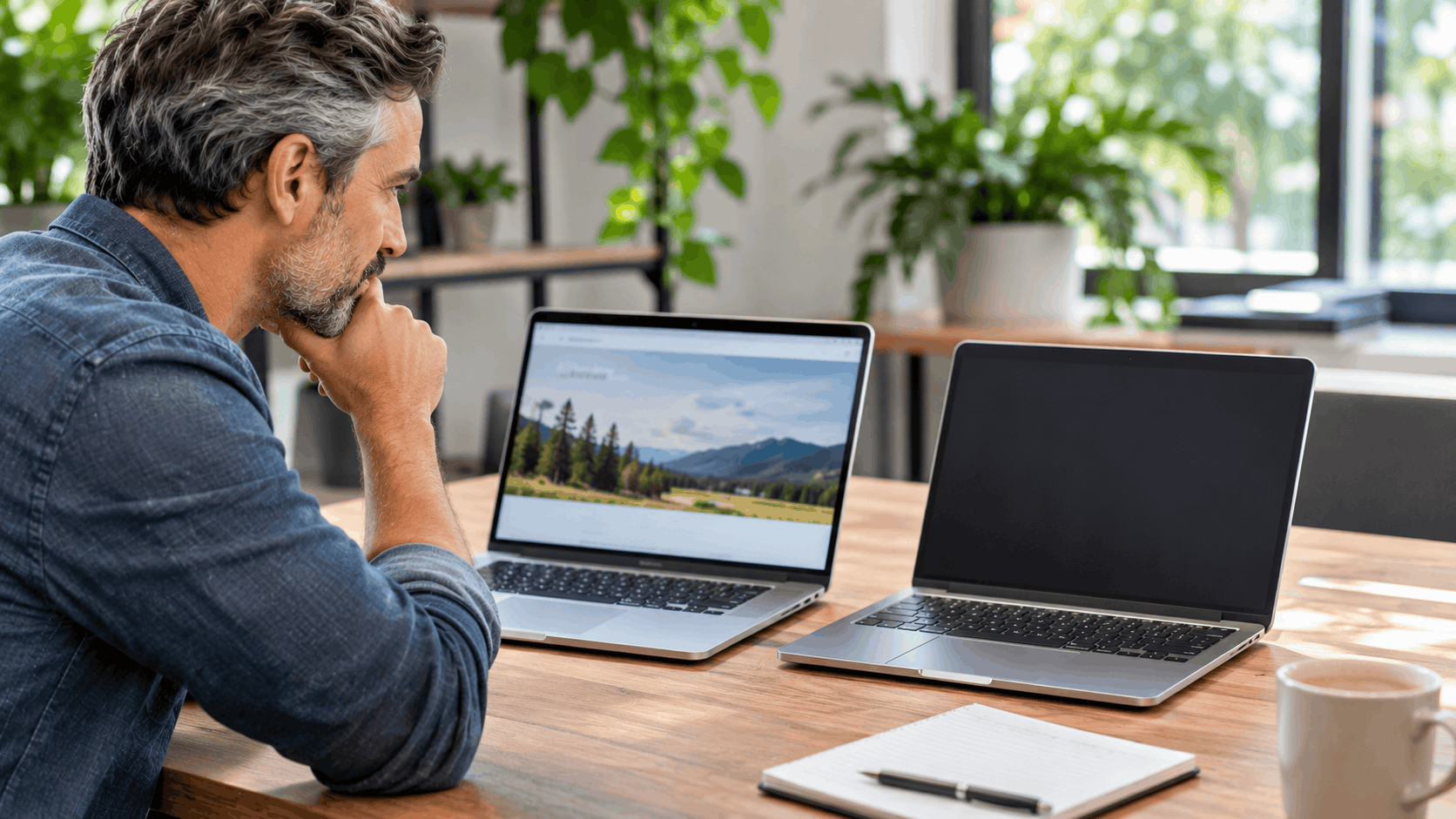
Thoughtful man comparing two laptops while researching renting vs owning real estate options

The Bottom Line on Renting vs Owning

Who keeps your website after you cancel comes down to one choice you make early: rent or own. A rented presence on a social account or free profile can be restricted, suspended, or switched off by the platform, as the Meta ban wave, the California shop owner's lost Instagram, and Google's shuttered free sites all showed. An owned website on your own domain stays with you.

Customers already expect a website, AI tools cite first-party sites more than any other source, and your domain is the one asset that travels with you. Keep your social and Google profiles as support, but make a site you control your home base. Own the address, keep a copy of your content, and you stay in charge no matter what any platform decides.

Frequently Asked Questions

Who keeps my website after I cancel?

With Grow Local, your site stays up until the end of the paid month, and your content is kept for 90 days after you cancel. That window gives you time to decide your next move without losing your work right away. You also keep your own domain, because you connected it yourself with one DNS record. The address belongs to you, not to any platform, so it travels with you wherever you go next.

What is the difference between renting and owning a website?

Renting means your presence lives on a platform account, like a Facebook Page or a Google Business Profile, and the platform sets the rules and can restrict the account. Owning means your site lives on your own domain, where you control the content and the address. The simplest test is to ask who can switch it off. On a rented account, the platform can. On an owned website, you hold the keys.

Can a social media account really be taken away?

Yes. In July 2025, TechCrunch reported a mass ban wave hitting Facebook and Instagram accounts and Groups, with some bans lasting weeks or months and little help even for paid Meta Verified users. In December 2025, Spectrum News reported a California shop owner whose Instagram account with more than 35,000 followers was removed by Meta's AI system, which she says was an error. This does not predict a ban for any one business, but it shows the risk is real.

Is a Google Business Profile enough on its own?

A Google Business Profile helps, but it is rented space. Google says it may suspend or disable profiles that do not follow its guidelines, and when a profile is removed, the public cannot visit it and the owner cannot manage it. Google also shut down its free Business Profile websites in 2024. A profile alone leaves you without a home base you own, so pair it with a website on your own domain.

Do I need any technical skills to own a website with Grow Local?

No. You type in your business info and pick a design, and Grow Local handles the rest, including writing and launching the site. After that, you make edits from the dashboard with no help needed. You can add or change services, update hours, change phone numbers, upload photos and your logo, and adjust colors and design. Nothing on the technical side falls on you, because that part is managed for you.

How do I connect my own domain?

You add one DNS record to point your domain at your site. DNS is the address book of the internet that tells browsers where your domain lives. Once you add the record, Grow Local verifies it and sets up SSL automatically, so the secure padlock in the browser is handled for you. DNS changes can take time to spread across the internet, so give it a little while to settle after you make the change.

Is there a contract or a cancellation fee?

No contract and no setup fee. Grow Local is one plan at $99 per month, billed monthly. You can cancel anytime from your dashboard on the Account page, and the cancellation takes effect at the end of your current billing period. The dashboard shows the date your subscription is set to end, so there are no surprises. Nothing locks you in, and leaving is something you handle yourself.

Can I build a site before I pay?

Yes. You can build free first and see a preview that builds in real time while you answer the setup questions. That lets you look at your full site before deciding to pay. After payment, the full site is generated automatically in a few minutes, with your service pages and location pages in place. You get to see what you are getting before any money changes hands.

Will owning a website help me get found online?

Your Grow Local site is built to help you get found on Google and AI tools, with a local SEO structure and AI-ready content from the start. Service pages and location pages give both people and AI tools a clear map of what you do and where. Yext's October 2025 analysis of 6.8 million citations found first-party websites were the largest single source of AI citations at 44%. Owning a site puts you in the pool AI draws from.

What if I want full done-for-you SEO later?

Start with Grow Local to get a site you own and control. If you later want full done-for-you SEO, GEO, and AEO services, you can upgrade to DM. Digital, the full-service SEO agency from the same company. Most owners do well starting with Grow Local first, then adding more support when they are ready. The main step is getting your owned website live, and the upgrade is there whenever it fits.

Grow Local Team

Written by Grow Local Team

Editorial

Grow Local helps local service businesses build SEO-ready sites and grow online.

Ready to improve your local visibility?

Get started now and discover local opportunities you're missing.

Build Your Website Free

No commitment, cancel anytime