Back to blog
Tips & Advice

Best Website Builder for SEO and the Local Ranking Myths to Ignore

October 19, 202630 min read
Best Website Builder for SEO and the Local Ranking Myths to Ignore

Key Takeaways

  • 1The best builder for SEO produces a fast, clean, well-structured site with real service and location pages you can keep current yourself.
  • 2The builder brand does not decide your rankings. Google Business Profile Help (October 2026) says there is no way to pay for a better local position, and no one can guarantee a number one spot.
  • 3Special AI files are not needed. Google's July 2026 guidance says normal SEO best practices still apply to AI Overviews and AI Mode.
  • 4Most people expect a real website. DreamHost's 2026 vendor survey found 69% say a website is essential for credibility and 70% are more likely to do business with a company that has one.
  • 5Website costs are a range, not one number. DIY builders run $50 to $500 a year (GoodFirms 2024), while simple pro sites run $1,000 to $15,000, plus ongoing domain, SSL, and maintenance costs.
  • 6Check export and lock-in rules first. Wix sites cannot be exported to another host and Squarespace exports are partial (WPBeginner, February 2026).
  • 7Grow Local builds a full site in about 1 to 3 minutes after payment, with a free preview before paying, at $99 per month, no contract, cancel anytime.
  • 8Being live is not the same as ranking. Custom domains need DNS time to spread, and Google indexing and rankings take longer and vary.

A local business owner sits down at night, coffee going cold, searching for the best SEO website builder. Within ten minutes she has twenty open tabs, each one promising a different trick to beat Google. One says the builder brand decides everything. Another says a special file gets a site into AI answers. A third says she can pay for a better spot in local search.

Here is the plain answer. The best builder for search is one that gives search engines a clean, fast, well-structured site that the owner can keep current. Most ranking tricks are myths. The platform does not do the ranking for you, and no honest service promises a number one spot.

This guide walks through what search engines actually need from a builder, the common local ranking myths worth ignoring, the honest cost and ownership trade-offs, and where AI builders like Grow Local fit in for owners who have no technical skills.

Two professionals collaborating on SEO strategy using laptop with analytics charts nearby

What SEO Actually Needs From a Website Builder?

Search engine optimization, or SEO, is the practice of improving a website so search engines can find it, read it, and show it to people searching for your services. It is not a secret formula. It is mostly about giving Google a tidy site with real content and accurate business details.

When an owner judges a website builder, the right test is not how flashy the templates look. The test is whether the builder produces a site that search engines can understand and that the owner can keep up to date. Local search rewards clarity and accuracy, not clever tricks.

Here is a simple way to see what matters most.

What SEO NeedsWhy It HelpsWhat a Builder Should Do
Clear structureGoogle can find and group your pagesBuild service and location pages with internal links
Fast, mobile layoutVisitors stay and take actionLoad quickly and work on phones
Real, useful contentPages answer what people searchWrite detailed pages, not thin ones
Business Profile linkSupports local visibilityConnect to your Google Business Profile

A Clear Structure Google Can Read

A website is easier for search engines when it is organized like a tidy filing cabinet. Each service gets its own drawer, each area you serve gets its own folder, and everything connects in a logical way. When the structure is clear, Google can find every page and understand what each one is about.

Service pages and location pages do the heavy lifting here. A dedicated page for one service gives Google a clear topic to index, instead of cramming ten services onto one crowded homepage. The same goes for the towns and neighborhoods you cover, where a separate page tells search engines exactly where you work.

Internal linking ties it all together. That simply means linking from one page on your site to another, like pointing a visitor from a service page to the area page where you offer it. Google's John Mueller said in March 2022 office hours that internal linking is super critical to SEO, as reported by Search Engine Journal in November 2022. Treat that as a reminder to connect your pages, not a formula.

A builder that creates these pages and links them for you removes a lot of guesswork. You do not need to know how to code a menu or wire up a link structure. The pages are built with the connections already in place.

Fast Loading and a Mobile Layout

Most people who find a local business are on a phone, standing in a parking lot or sitting on a couch. If a page takes too long to load or looks broken on a small screen, they bounce before they ever see your phone number. Speed and a mobile layout help the visitors you already have turn into calls and bookings.

Google uses measures called Core Web Vitals, which track real-world loading, responsiveness, and visual stability. These are part of its ranking systems. A site that loads fast and holds steady while it opens gives people a smoother experience.

Here is the honest part. Google also says good Core Web Vitals scores do not guarantee a top spot, and Search still tries to show the most relevant content even when the page experience is not perfect. Speed is a supporting factor, not a shortcut past better pages.

For a local owner, the practical move is to fix the obvious problems. Oversized images and slow hosting are the usual culprits. After that, put your energy into useful service pages and your Business Profile, which carry more weight for being found.

Pages With Real, Useful Content

Search engines reward pages that answer what people are actually searching for. A page that says "we do great work" and nothing else gives Google almost nothing to work with. A page that explains the service, what it includes, and what a customer can expect gives search engines something to match against real searches.

This is where thin, placeholder pages fall short and detailed pages win. Grow Local writes service pages of 800 words or more, so each service has enough substance for search engines to understand and for customers to read. It also builds location pages for the areas you serve, so a search tied to a specific town has a page to land on.

The same rules carry over to AI search. Google's guidance from July 2026 says normal SEO best practices continue to be relevant for AI Overviews and AI Mode, and no special AI files are needed. In plain words, the content that helps you in regular search is the same content that helps you in AI answers.

That takes pressure off owners chasing the newest trick. You do not need a separate strategy for AI. Clear, useful pages about your services and areas do the work in both places.

A Connection to Your Google Business Profile

For a local business, the Google Business Profile is the listing that shows your name, hours, phone, and map pin when someone searches nearby. It sits at the center of local visibility, often appearing before your website does. A website that matches your profile reinforces the same facts in two places.

Google Business Profile Help, as of October 2026, says businesses with complete and accurate info are more likely to show up in local search results. It also says the categories you select affect your local ranking, and advises choosing the most specific category available. Filling the profile out properly is one of the most direct things an owner can do.

Your website should back up what the profile says. If your hours, phone number, and address match across both, visitors and search engines see one consistent story. If they clash, it creates doubt about which detail is right.

A builder that connects to your Google Business Profile keeps these two pieces pointed in the same direction. When your site and your listing agree, you give search engines and customers fewer reasons to hesitate.


Local Ranking Myths Worth Ignoring

A lot of advice online is built to sell a shortcut. For local businesses, the shortcuts rarely work and often waste money that would do more good elsewhere. Sorting myth from reality saves time and keeps effort on the things that actually help.

Each myth below comes with the honest reality next to it. The pattern repeats: there is no secret button, and the real work is clear content, accurate details, and a complete Business Profile.

MythReality
You can pay for a better local rankingGoogle says there is no way to pay for a better local position
A Facebook page is enoughMost people expect a real website for credibility
The builder brand decides rankingsContent, structure, and your profile matter more
Special AI files get you into AI answersNormal SEO practices still apply, no special files needed

Myth: You Can Pay for a Better Local Ranking

One of the most common beliefs is that money buys a higher spot in local search. Owners imagine a hidden menu where a bigger payment moves them up the map. That menu does not exist for organic local rankings.

Google Business Profile Help, as of October 2026, states plainly that there is no way to request or pay for a better local ranking. The system is built to reward complete, accurate information, not deeper pockets. Paid ads are a separate thing and are labeled as ads.

No one can guarantee a number one spot either. Any service that promises a guaranteed top ranking is selling something Google itself says cannot be promised. Be cautious with anyone who guarantees position, dates, or a fixed number of leads.

The honest path is to earn visibility over time. Complete your profile, choose the most specific category, keep your details accurate, and build out real service and location pages. That is where effort pays off.

Myth: A Facebook Page Is Enough

Plenty of owners lean on a busy Facebook page and skip a website entirely. Social media is useful for staying in touch, but it leaves gaps. It does not give you the same credibility signal or the same control over your own pages.

DreamHost's 2026 Local Business Trust Index, a vendor survey of 1,201 US adults ages 18 to 64 conducted in November 2025, found that 69% say a website is essential for a local business to be credible. The same survey found 70% are more likely to do business with a company that has a website.

A social page also sits on someone else's platform, with its own rules and changing reach. Your website is the one place where you set the structure, the content, and the message. For home services especially, people want a page they can check to confirm details.

None of this means dropping social media. It means treating it as one piece next to a real website, not a replacement for one. The two work better together.

Myth: The Website Builder Itself Decides Your Rankings

Some owners believe that choosing a certain builder brand automatically ranks a site. The thinking is that the platform has a secret advantage with Google. The platform alone does not do that.

Google Search Central, as of October 2026, names Blogger, Wix, and Squarespace as automated web hosting platforms. Google describes how these platforms work, not that any of them earns rankings by name. The builder is the tool, not the result.

What actually decides visibility is the content on your pages, how the site is structured, and how complete your Business Profile is. A site with strong service pages and accurate details will do better than an empty site, no matter which builder made it. The brand on the box is not the deciding factor.

So when choosing a builder, judge it on whether it produces clean structure, real pages, and easy updates. That is the part that helps you get found, not the logo.

Myth: Special AI Files Get You Into AI Answers

A newer myth says you need a special file or secret setting to appear in AI search results. Owners worry they are missing a technical step that puts them ahead in AI Overviews. There is no such step.

Google's guidance published in July 2026 says normal SEO best practices continue to be relevant for AI Overviews and AI Mode, and special AI files are not needed. The content that helps you in regular search is the same content that supports AI answers. No new file is required.

It also helps to keep the role of AI in perspective. DreamHost's 2026 Local Business Trust Index found that only 3% of people start with AI when searching for a local business. The vast majority still begin elsewhere.

The practical takeaway is to keep building clear, useful pages about your services and areas. That work carries across regular search and AI search. Chasing a special AI file is effort spent on a problem that does not exist.

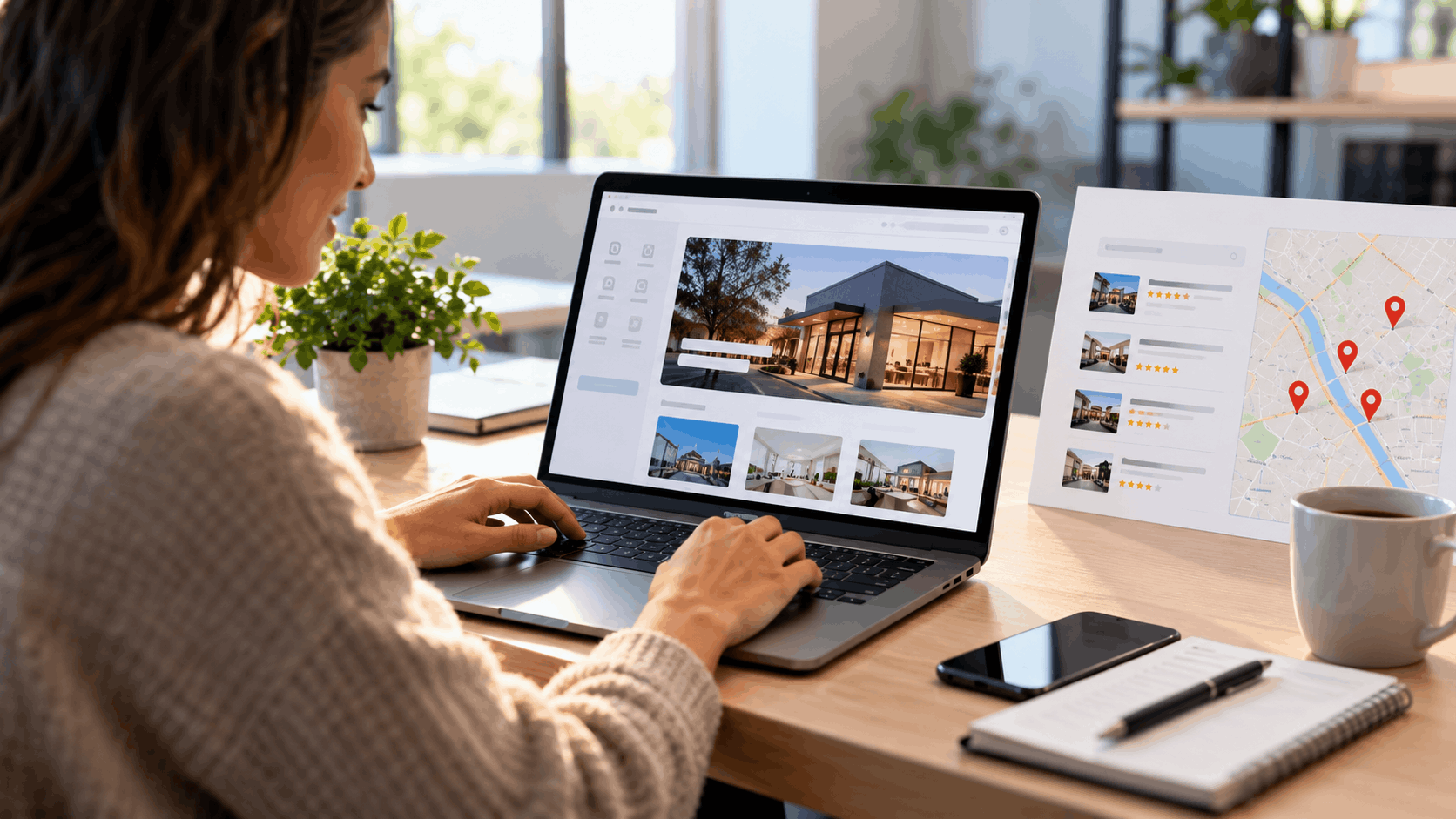
Woman researching local SEO website builders on laptop showing property listings and map

How to Compare Website Builders for Local SEO?

With the myths cleared away, comparing builders gets simpler. The focus moves to what affects search and day-to-day management, not the longest feature list. A short checklist keeps the decision grounded.

Four questions cover most of it. Does it build real service and location pages? Can you keep it current yourself? Does it include speed, security, and hosting? Can you see it before you pay? Each one points to a real difference between platforms.

Does It Build Service and Location Pages?

Dedicated pages are one of the biggest signals that a builder understands local search. A page for each service and each area gives search engines clear topics to match against local searches. Without them, everything gets crammed onto a homepage that tries to do too much.

A plumber who offers drain cleaning, water heater repair, and leak detection should have a page for each. A business serving several towns should have a page for each area. That separation lets Google connect the right page to the right search.

Grow Local creates location pages for up to 8 cities served, which is the limit built into its system. It also writes service pages of 800 words or more, so each page carries enough detail to be useful. The pages are built for you rather than left as a blank task.

When comparing builders, check whether this is automatic or something you have to construct by hand. A builder that produces these pages for you saves hours and removes the risk of a thin, one-page site that search engines struggle to work with.

Can You Keep It Current Yourself?

A website is not a set-it-and-forget-it project. Hours change for holidays, phone numbers change, you add a service, you get new photos of recent jobs. If updating any of that requires calling a developer, the site slowly drifts out of date.

Accurate, current details matter for trust and for local search. A customer who sees the wrong hours and shows up to a closed door does not come back. Google also favors complete, accurate information, so stale details work against you.

The Grow Local dashboard lets owners edit the everyday details themselves. From one place you can change services, business hours, phone number, photos, logo, and colors, with no technical skill needed. If you add a service or switch phone numbers, you make the change without waiting on anyone.

When comparing builders, ask how hard it is to make a simple edit. A platform that puts routine changes behind a developer or a support ticket costs you time every month. One where you handle it yourself keeps the site honest and current.

What About Speed, Security, and Hosting?

A few background pieces keep a website running, and owners often learn about them only when something breaks. Hosting is the computer that keeps your site online. SSL is the padlock in the browser bar that encrypts visits, so information passes safely. Backups are saved copies in case something goes wrong.

These belong together in one plan so you are not stitching services together from different providers. When they are bundled, you do not get a surprise bill for the padlock or have to find a separate host. One subscription covers the parts that keep the site up and safe.

Grow Local includes hosting, SSL with the padlock, backups, and mobile-responsive design in its $99 per month plan. Mobile-responsive simply means the site adjusts to look right on phones, tablets, and computers. That matters because most local searches happen on a phone.

When comparing builders, add up what is actually included versus what costs extra. A low headline price can grow once you add security, backups, and the pieces a working site needs. A single plan that bundles them is easier to budget.

Can You See It Before You Pay?

Buying a website sight unseen is a gamble. A free preview lets you judge the real thing before spending a cent. You see your pages, read how your business is described, and decide if it fits.

Grow Local shows a free preview that builds in real time while you answer the setup questions. You watch the site take shape as you share details about your business. If you like it, you move forward. If not, you have lost nothing.

After payment, the full site is generated automatically in about 1 to 3 minutes. Across 37 builds logged from March to May 2026, the median build took 2.7 minutes. That is the setup, not the ranking, which takes longer and varies.

When comparing builders, look for the chance to see the finished product first. A preview turns a leap of faith into an informed decision. It also tells you the builder is confident in what it produces.

The Honest Cost of a Local Business Website

Website pricing is where a lot of owners get misled by a single number. The honest picture is a range, and it changes depending on who builds the site and how it is maintained. The costs also do not stop at launch.

Here is a rough comparison to set expectations. Always remember that yearly costs continue after the site goes live.

OptionTypical CostNotes
DIY builder$50 to $500 a year (GoodFirms 2024)You do the work
Wix plans$17 to $159 a month billed annuallyWebsite Builder Expert, Sept 2026
Grow Local$99 a month, no contractDone-for-you build, bundled hosting
Simple pro site$1,000 to $15,000 (GoodFirms 2024)Agency or designer, 5 to 10 pages

DIY Builder Plans

Do-it-yourself builders are the lowest-cost entry point, but you supply the labor. GoodFirms 2024 estimated DIY builders like Wix or Squarespace at $50 to $500 a year for a basic site, as reported by Digital Information World in July 2024. That range reflects a simple site you build and maintain yourself.

General builder subscriptions vary by tier. Website Builder Expert reported in September 2026 that Wix plans cost $17 to $159 a month billed annually, from Light at $17 to Business Elite at $159, or $24 to $172 billed monthly. The price you pay depends on which features you need.

Grow Local sits at $99 per month with no contract. That single plan is a done-for-you build rather than a blank editor, with hosting, SSL, backups, and the pages generated for you. There is no setup fee.

The thing to weigh with any DIY plan is the trade between price and your own time. A cheaper monthly fee can mean more hours of work on your end. A done-for-you build costs more per month but hands you a finished site.

Hiring a Designer or Agency

Hiring a professional moves the cost up and the workload off your plate. GoodFirms 2024 put a simple 5 to 10 page business website at $1,000 to $15,000. The spread is wide because "simple" covers a lot of ground depending on features and polish.

Agency hourly rates sit higher than freelance rates. Clutch, a review site for agencies, reports typical agency rates of about $100 to $149 an hour for web design companies shortlisted on its platform. Companies that build on tools like Wix or Squarespace list lower rates of $25 to $49 an hour.

One caution matters here. These figures come from agency listings and client reviews, not a random sample of small businesses. Clutch's often-quoted average project cost is pulled up by large projects and is not what a small local site should cost.

A designer or agency can be the right call for a distinctive custom build or ongoing search work. Just get the full scope in writing, including what happens after launch, so the quote reflects the real total and not just the build.

The Yearly Costs People Forget

The launch price is only part of the story. GoodFirms 2024 data put annual maintenance for a small business site at $250 to $1,000. A domain, your web address, runs about $10 to $15 a year, and SSL runs $50 to $100, though many providers include it free with basic hosting.

Add-ons sneak in too. Some apps and plugins carry monthly fees, and extra features stack up over a year. These small recurring charges are easy to overlook when you focus only on the first bill.

Watch for hidden renewal traps on general builders. Website Builder Expert reported in September 2026 that a Wix free domain lasts only the first year, then renews at about $21.35 a year for a .com. The same source noted Wix's 14-day refund covers only the first payment, not renewals, so check the renewal price before you buy.

Grow Local bundles hosting, SSL, backups, and a custom domain with automatic SSL into its monthly plan. That keeps the recurring pieces in one predictable fee instead of a stack of separate renewals. It is worth confirming current terms on any provider's own help pages before committing.

The Cost of Your Own Time

Time is the cost that never shows up on an invoice. Building a site yourself means writing the words, gathering photos, and learning the editor. Then there is the upkeep: updates, fixes, and changes as the business grows.

Professionals are not instant either. GoodFirms says pros average about 2 months to build a basic site. A non-technical owner working alone should expect to also handle the writing, images, and ongoing maintenance on top of running the business.

Those hours have real value. Time spent fighting a website editor is time not spent serving customers or booking work. For many owners, that is the true cost of a cheap plan.

A done-for-you build shifts most of that labor off your plate. You answer questions, the site is generated, and you make simple edits from a dashboard. The trade is a monthly fee in exchange for the hours you keep.

Woman browsing real estate property listings and map locations on laptop computer

Ownership and Lock-In You Should Check First

Before signing up for any builder, it pays to understand what you can and cannot take with you. Every platform involves trade-offs, especially around moving a site later. Asking the right questions up front avoids surprises down the road.

These are the areas to check: whether you can move the site, who controls the technical settings, what the contract and cancellation terms are, and the questions to ask any provider.

Can You Move Your Site Later?

Some builders keep your site locked to their servers. Wix says a Wix site needs to be hosted and operated on Wix's servers and cannot be exported to another host. It also says it is not possible to export blog posts to other platforms, and that if content is embedded elsewhere, search engines may not work properly with it.

Squarespace allows a partial export. A February 2026 WPBeginner guide says the Squarespace export moves basic pages, one blog, and galleries, but product pages, album pages, and event pages will not be exported. Custom styling is left out, and images need a separate step.

This matters because it shapes your options if you ever want to switch. A site you cannot export means starting over somewhere else rather than carrying your work across. That is not automatically a dealbreaker, but it should be a known factor.

Before committing to any builder, read its current help pages on exporting. Rules change, and what is true today may shift. Knowing the policy up front keeps you from feeling trapped later.

Who Controls the Technical SEO Settings?

Builders handle the technical plumbing differently than a custom site. Google Search Central, as of October 2026, notes that on automated web hosting platforms, owners might not need to, or be able to, edit files like robots.txt directly. Instead, the platform may offer a settings page.

A settings page is easier for a non-technical owner. You toggle an option rather than editing a file most people never want to touch. The trade is less fine control than a fully custom build offers.

For most local businesses, the settings page is plenty. The technical details that require direct file access rarely move the needle for a straightforward service business. Clear content and an accurate Business Profile do far more.

If you have specific technical needs, ask the builder exactly what you can and cannot adjust. For the typical local owner, the easier settings approach is a feature, not a limit.

Contracts and Canceling

Exit terms deserve a close read before you start. A long contract or a tricky cancellation process can turn a simple sign-up into a headache later. The easier the exit, the lower the risk of trying a service.

Grow Local has no contract. Owners can cancel any time from the dashboard Account page using the Cancel Subscription button. There is no need to call or email to leave.

A cancellation takes effect at the end of the current billing period, and the dashboard shows the date the subscription is set to end. You keep access through the period you already paid for. Nothing is hidden about when the plan stops.

When comparing any provider, confirm whether you are locked in and how you cancel. A month-to-month plan with a self-serve cancel button is far lower risk than a long contract with an exit fee. Always check the current terms on the provider's own pages.

Questions to Ask Any Provider

A short list of questions protects you with any builder or agency. Start with ownership: who owns the content, the domain, and the accounts? If the answer is not clearly you, find out what that means for your business.

Next, ask what happens if you leave. Can you take your pages with you, or do you start fresh? Knowing this before you commit saves pain if your needs change later.

Then ask about pricing over time. Does the price renew at a higher rate after the first term? Are there extra fees for features you assume are included? A low first bill can hide a higher renewal.

Finally, confirm these answers on the provider's own help pages, since terms change. Getting them in writing beats relying on a sales pitch. A provider confident in its terms will point you to them.

Where AI Website Builders Fit In

AI builders change the starting line for owners with no technical skills. Instead of facing a blank editor, the owner answers questions and the site is built. That shift removes the biggest barrier for people who would rather run the business than build a website.

It also comes with honest limits. Being live is not the same as ranking, and a few things still take time. Setting expectations correctly keeps the tool useful rather than overpromised.

Answer a Few Questions, Get a Full Site

The Grow Local flow starts with simple questions about the business. You share the type of business, the services you offer, your main city, and the other areas you serve. From those answers, AI builds the whole site.

There is no blank page to stare at. The questions guide you, and the system turns your answers into pages. For an owner with no technical background, that removes the hardest part of getting started.

A free preview appears before you pay anything. The preview builds in real time while you answer the questions, so you watch the site take shape. You can read how your business is described and decide if it fits.

If it looks right, you move forward. If not, you walk away having spent nothing. That is a fair way to judge a site, since you see the real thing first.

What You Get on One Plan

The $99 per month plan bundles the pieces a working local site needs. That includes 50 or more pages, AI-written service pages of 800 words or more, and location pages for up to 8 cities served. The content is generated for you rather than left as homework.

The plan also covers the background pieces. A custom domain comes with automatic SSL, and hosting and backups are included. You are not assembling these from separate providers or getting surprised by add-on bills.

On top of the site, you get analytics and professional PDF SEO reports. The reports give owners a simple way to see how the site is doing, and the leads and analytics track activity. Everything runs from one dashboard.

The system supports 104 industries, so a wide range of local businesses fit the templates and page structure. Whether you run a service trade, a shop, or a professional practice, the build adapts to your type of work. Note that these are basic local business websites, with no online store or shopping cart.

Being Live Is Not the Same as Ranking

Speed of setup is easy to confuse with speed of results. The full site is usually ready within a few minutes of payment, about 1 to 3 minutes, with a median of 2.7 minutes across 37 builds logged from March to May 2026. That is the site being built, not the site ranking.

Connecting a custom domain can take longer. DNS changes, which are the settings that point your web address to your site, need time to spread across the internet. That delay is normal and outside any builder's control.

Google indexing and rankings take longer still, and they vary. Being live means the site exists and visitors can reach it. It does not mean Google has indexed every page or decided where to rank you.

No honest service promises ranking dates, and Grow Local does not. A website is one piece of getting found, alongside your Google Business Profile and your reviews. Expecting a fast live site but patient results keeps the picture realistic.

When to Add Full-Service Help

An AI builder is a strong do-it-yourself starting point. You get a real site, you keep it current yourself, and you control the monthly cost. For many local businesses, that is all they need to establish a solid presence online.

Some owners eventually want more hands-on search work done for them. If that day comes, Grow Local users can later upgrade to done-for-you SEO, GEO, and AEO services. That path exists for businesses in more competitive markets who want ongoing help.

For most owners starting out, the better move is to begin with the builder. Get the site live, keep your details accurate, build your reviews, and see how it goes. You can always add more help later.

The main point is to start. A clean, current site with real pages gives you a foundation, and you can grow from there as needs change.

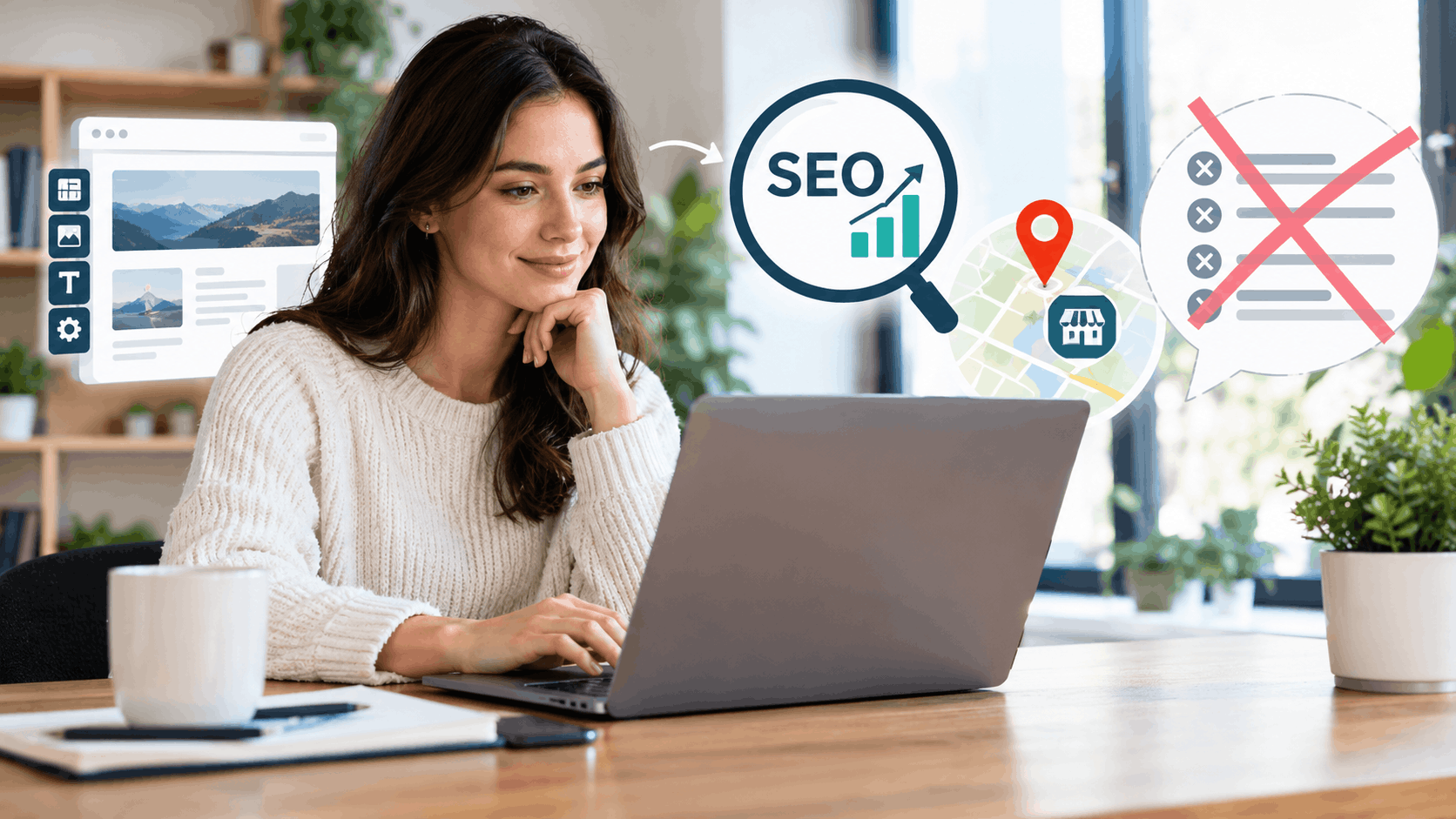
Woman working on laptop with SEO analytics and local business map icons floating nearby

What Actually Moves the Needle for Local Visibility?

With the myths set aside, a handful of habits genuinely help a local business get found. None of them is a trick. They are the ordinary, repeatable steps that build trust with customers and search engines.

Keep your info accurate, earn and answer reviews, give each service and area its own page, and track what works. Do these consistently and the results compound over time.

Keep Your Business Info Complete and Matching

Accurate details are the base that everything else sits on. Google Business Profile Help, as of October 2026, says businesses with complete and accurate info are more likely to show up in local search results. It also advises choosing the most specific category available, since categories affect local ranking.

Your website should match your profile. If your hours, phone, and address agree across both, customers and search engines see one consistent story. Mismatched details create doubt and can cost you a call.

Completeness matters as much as accuracy. Fill in regular and special hours, your services, and your service areas. The more complete the picture, the easier it is for Google to connect you to the right searches.

From the Grow Local dashboard, you can keep the everyday details current yourself. Updating hours for a holiday or adding a new service takes a few minutes, which keeps your site and profile in sync.

Earn and Respond to Reviews

Reviews are one of the strongest drivers of customer action. BrightLocal's Local Consumer Review Survey 2026, a February 2026 survey of 1,002 US adults, found that after reading positive reviews, 54% of consumers visit the business's website and 24% visit its social channels. The website is the more common next stop.

That makes the review-to-website path worth taking seriously. A good review sends people to your site, where your service pages and details do the convincing. If the site is thin or out of date, you lose that momentum.

Asking happy customers for reviews is a simple habit that pays off. Make it easy by pointing them to your profile after a job well done. Over time, a steady flow of genuine reviews builds a strong signal.

Responding matters too. A thoughtful reply to a review shows you are engaged and care about your customers. It also gives future readers a sense of how you handle feedback.

Give Each Service and Area Its Own Page

Separate, detailed pages help search engines match searches to your business. A page dedicated to one service gives Google a clear topic, and a page for one area ties your business to that place. Lumping everything together blurs the signal.

This is why service and location pages carry real weight for local businesses. Someone searching for a specific service in a specific town is far more likely to find a page built around exactly that. A single crowded homepage cannot do the same job.

Grow Local builds service pages of 800 words or more and location pages for the areas you serve. The pages are also linked together, so internal linking connects a service to the areas where you offer it. That structure helps search engines navigate your site.

The practical result is more entry points into your site. Each page can catch a different search, and together they cover the range of what you do and where. More useful pages means more chances to be found.

Track Calls and Form Leads So You Know What Works

Measuring results keeps you honest about what the site is doing. The Grow Local dashboard shows Call Clicks, which are taps on the website's call button, and contact form leads for the month. It adds them together as Total Leads.

That gives a simple monthly read on activity. You can see whether people are reaching for the call button and filling out forms. Over time, the numbers show whether changes you make are moving things.

It is worth being clear about what the count is. Call Clicks is a count of call button clicks only. Grow Local does not record calls or store callers' phone numbers, so it is not call tracking.

Knowing the difference keeps your expectations accurate. The dashboard shows interest and contact attempts, not a recording of every conversation. Used that way, it is a useful gauge of how the site is performing.

Start With a Site Search Engines Can Read

The best website builder for search is not a brand with a secret advantage. It is one that hands search engines a clean, fast, well-structured site you can keep current, backed by a complete Google Business Profile. The tricks that promise a shortcut are mostly myths, and no one can honestly guarantee a ranking.

Grow Local puts that foundation within reach of owners with no technical skills. You answer a few questions, watch the site build in a free preview, and get real service and location pages, a custom domain with SSL, hosting, backups, analytics, and PDF SEO reports on one $99 per month plan with no contract. You keep it current yourself from the dashboard, and you can cancel any time with the end date shown.

See your own site before you pay a cent. Build a free preview at growlocal.build, check how your business reads, and decide from there. Confirm current terms on the provider's own help pages before you commit.

Grow Local Team

Written by Grow Local Team

Editorial

Grow Local helps local service businesses build SEO-ready sites and grow online.

Ready to improve your local visibility?

Get started now and discover local opportunities you're missing.

Get Started Now

No commitment, cancel anytime