Back to blog
Grow Local

Grow Local vs Google Sites for Local Businesses

March 14, 202616 min read
Grow Local vs Google Sites for Local Businesses

Key Takeaways

  • 1Google Sites lists no charge for building or publishing a site in its help pages and embeds Google Docs, Calendars, Maps and Forms easily.
  • 2Google Sites documentation shows no SEO settings article, no page title or meta description controls and no structured data tool.
  • 3Grow Local is $99 a month on one plan with no contract, and AI writes the service pages and a page for each city served.
  • 4Grow Local includes hosting, SSL, a custom domain, a Google Business Profile connection, a call click and lead dashboard and PDF SEO reports.
  • 5Neither tool can guarantee rankings, and neither is built for an online store.
  • 6Google Sites suits owners with time to build and write; Grow Local suits owners who want the local pages written for them.
  • 7Keep your domain registered in your own name with either option so you can move later.

Short answer: Google Sites is a capable, simple site tool from Google that works well for a basic page, especially if you already use Google Workspace. Google's help pages do not list a charge for building or publishing a site, you can connect your own domain, and it embeds Google Docs, Calendars, Maps and Forms easily. What its documentation does not show is the local search toolkit a service business usually needs: we found no documented controls for page titles or meta descriptions, no structured data tool and no blog feature, and you write and organize every page yourself. Grow Local costs $99 a month on one plan with no contract. AI writes your service pages and a page for each city you serve, it connects to your Google Business Profile, and a dashboard shows your call clicks and form leads. Neither tool can guarantee rankings, and neither is built for an online store. The right choice depends on whether you want a simple free-to-start page you build yourself, or a full local business site written for you for a monthly fee.

This guide compares the two honestly: what each one is, what each costs, how each handles the things that matter for local search, where each falls short, and which kind of business each fits. Facts about Google Sites come from Google's own help and Workspace pages, reviewed on October 9, 2026. Features and prices change, so check both before you decide.

What Google Sites Is

A free-to-start, drag and drop site builder that lives inside Google Drive.

According to Google's Workspace Learning Center, a new site is saved in Google Drive and stays private until you publish it. You can start from a blank page or a template, drag sections into place, and the layout adjusts to phones and tablets. Several people can edit at the same time, the way they would in a Google Doc, which Google's product page highlights as a strength.

The real power of Google Sites is embedding Google's other tools. Google's help page on adding content lists Docs, Sheets, Forms, YouTube videos, Google Calendars, Google Maps, full-page website embeds and custom HTML, CSS or JavaScript. For a team that already runs on Google Workspace, that makes it easy to publish a schedule, a sign-up form or a shared document as a web page.

What Google Sites was built for

Google Sites is a general-purpose tool. Schools use it for class pages, companies use it for internal intranets, and individuals use it for portfolios and event pages. A local business can use it too, but it was not designed specifically around how customers search for local services, and that shows in what its documentation covers.

What Grow Local Is

A website builder for local business owners with no technical skills, where AI builds the whole site from your answers.

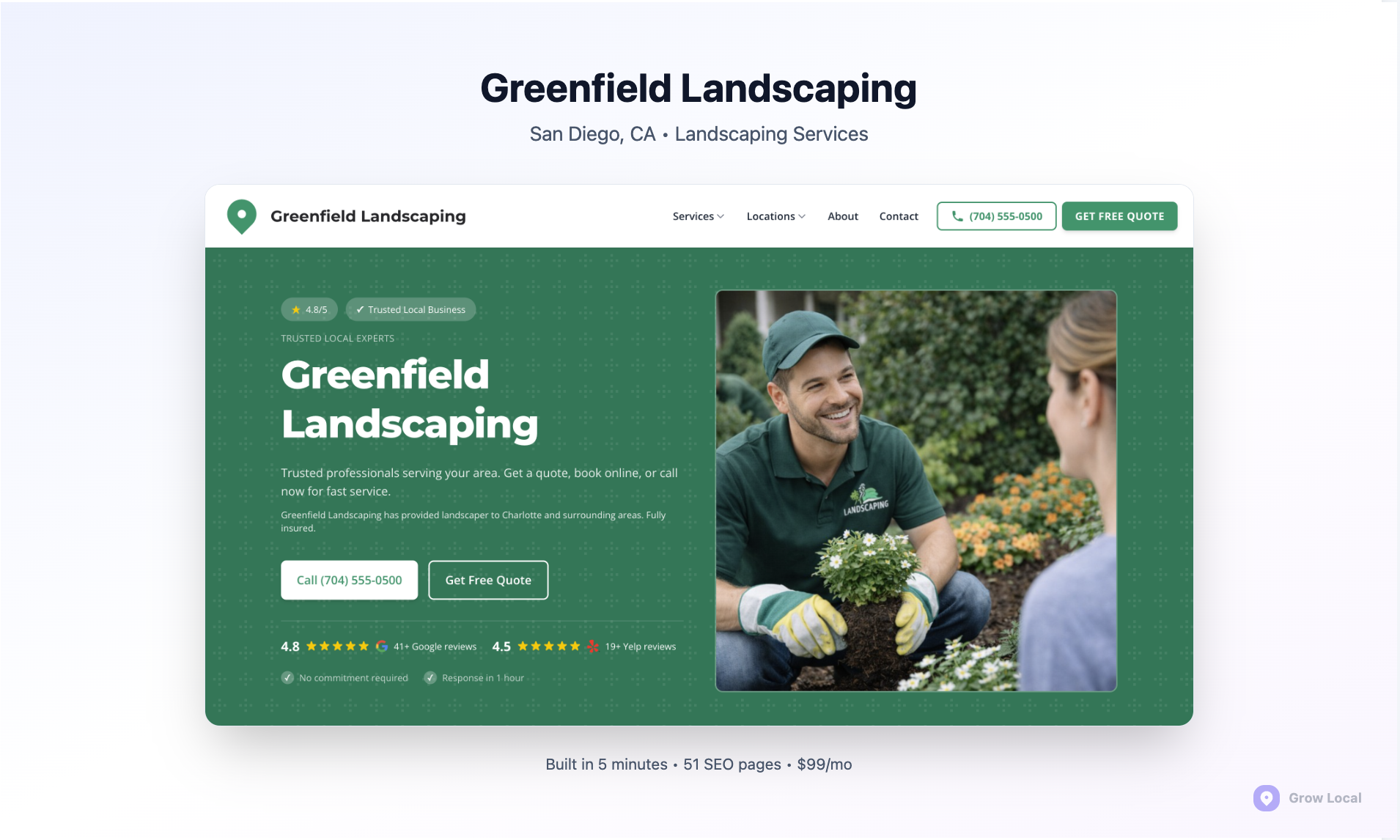
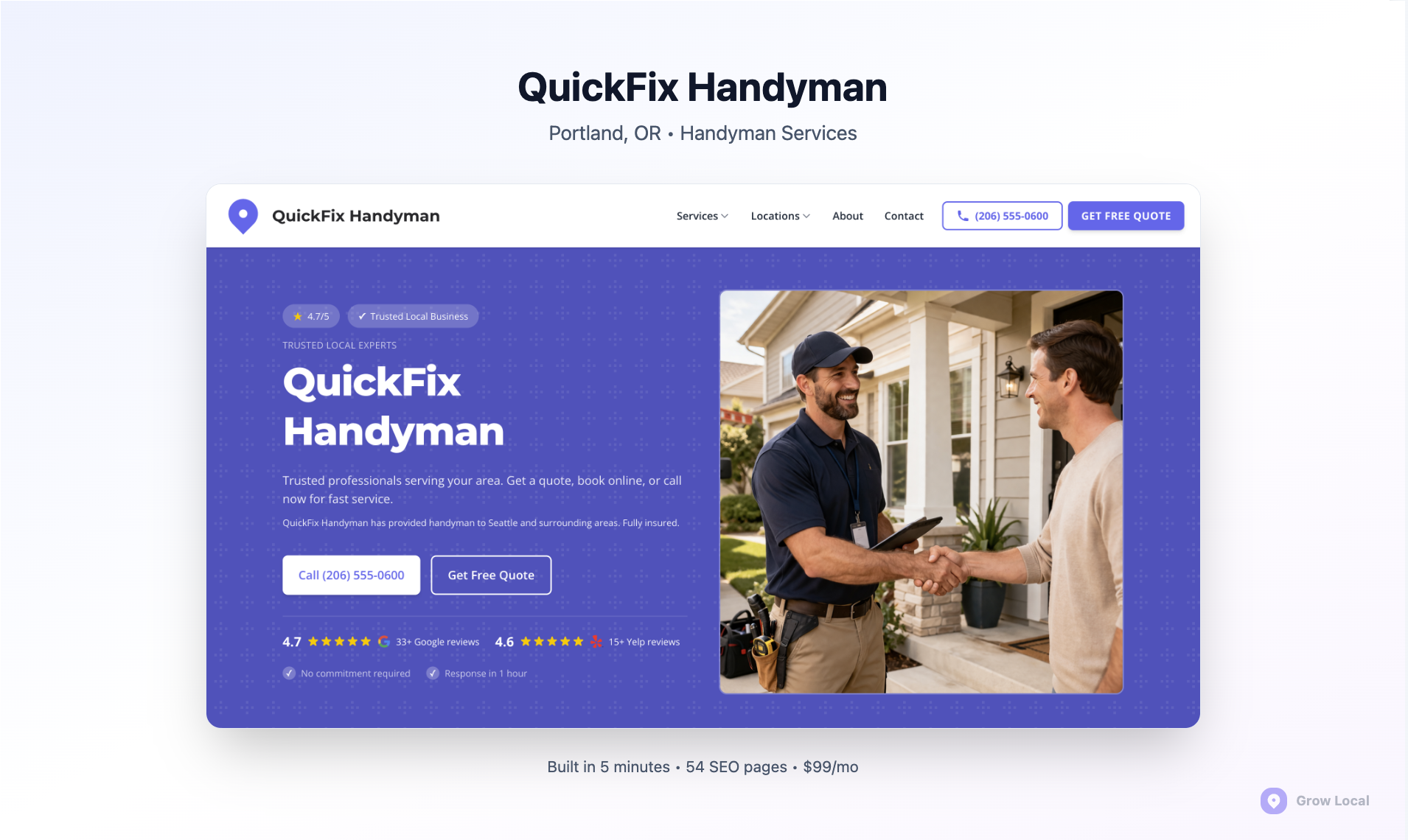
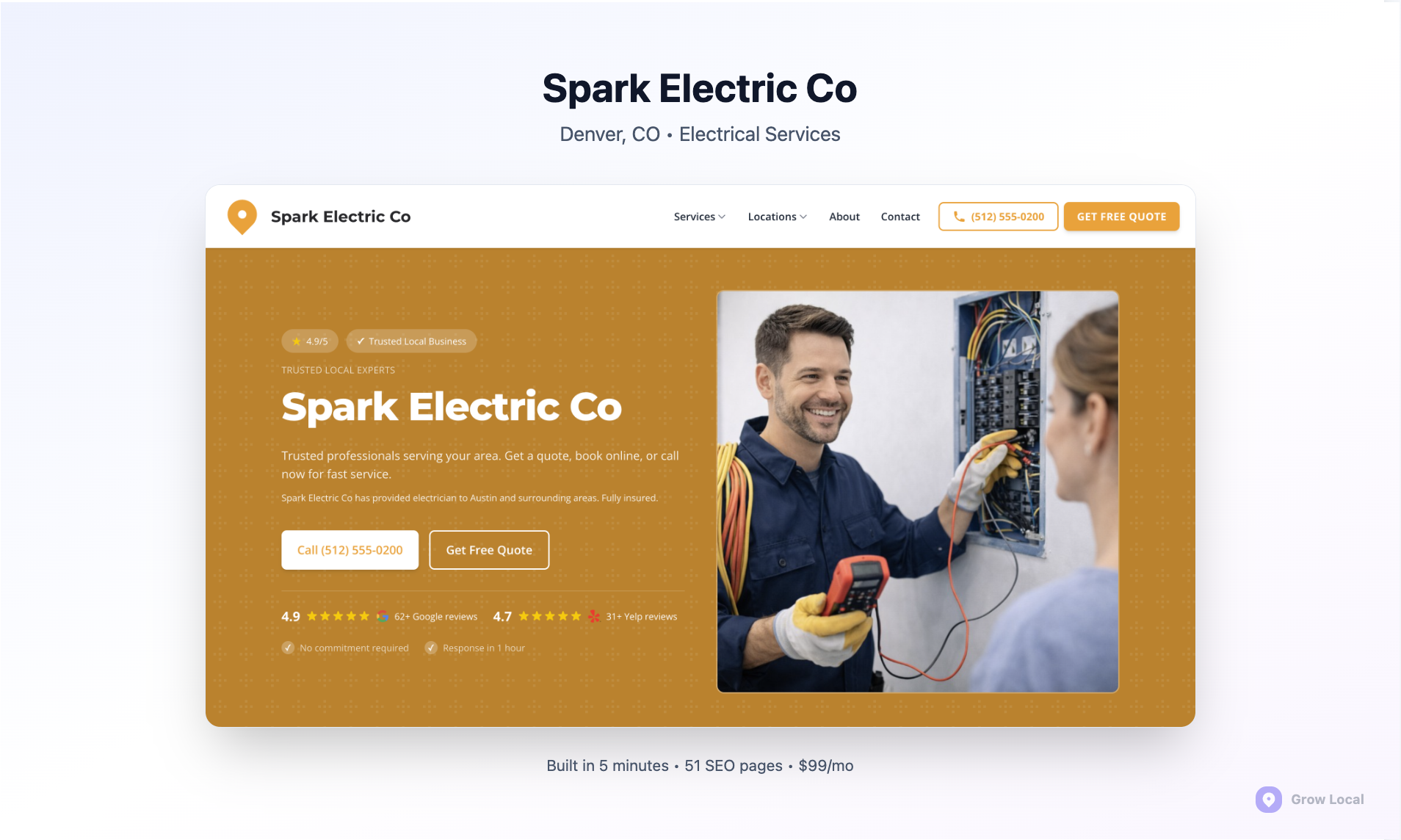
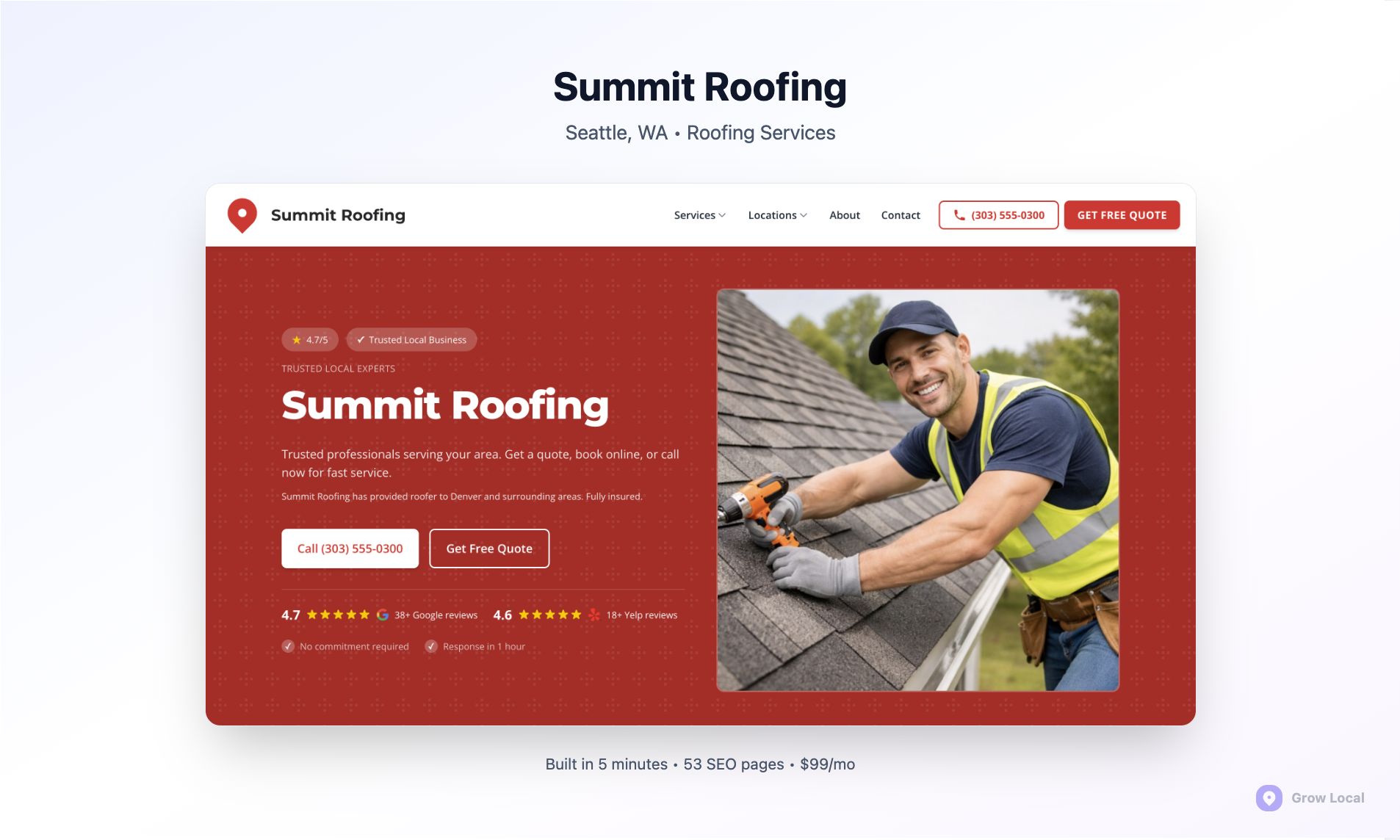
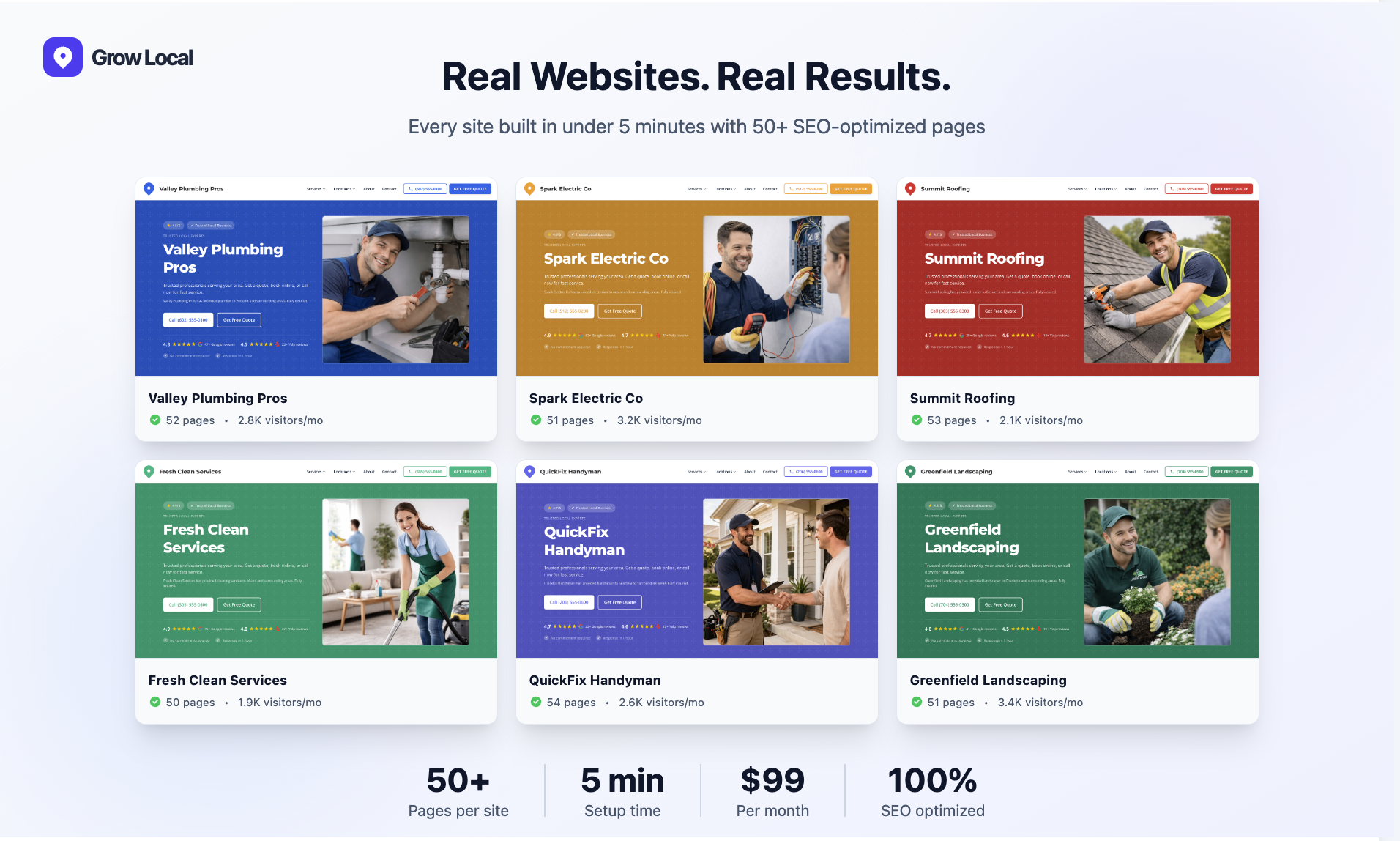
With Grow Local, the owner answers simple questions about the business: services, cities served, hours, phone number and branding. A preview of the site builds in real time while you answer, and after payment the full site is usually generated within a few minutes. Grow Local supports 104 industries and says more than 2,500 local businesses are already online with it.

Every plan includes hosting, SSL (the padlock that secures a site), backups, a custom domain and a mobile-responsive design. Sites have 50 or more pages, including AI-written service pages of 800 or more words each and a location page for each city you serve. The site connects to your Google Business Profile. From the dashboard, owners can change services, hours, phone numbers, photos, logo and colors without help, see call clicks and form leads, and download PDF SEO reports.

What Grow Local is not

Grow Local is a local business website, not an online store. There is no shopping cart or online product payments, and online booking is not a listed feature. It does not record phone calls: the dashboard counts taps on your website's call button, which is not the same as call tracking. And it does not promise rankings or leads, because no website tool can.

Side-by-Side Comparison

FeatureGoogle SitesGrow Local
PriceNo charge listed for building or publishing in the help pages reviewed; included in all Google Workspace plans$99 per month, one plan, no contract, no setup fee
Who builds the pagesYou do, from blank pages or templatesAI builds the site from your answers
Service pagesYou create and write each oneAI-written service pages of 800+ words each
City or location pagesYou create and write each oneA location page for each city you serve
Custom domainYes, up to five per site; buy the domain separately or through WorkspaceIncluded, with automatic SSL
Page titles and meta descriptionsNo documented control found in the help pages reviewedPart of the SEO-optimized site Grow Local generates
BlogNo blog feature found in the help pages reviewedNot a core listed feature
Google Business ProfileLink your site from the profile manuallyConnection built in
EmbedsDocs, Sheets, Forms, Calendars, Maps, YouTube, custom codeNot designed around embeds
Real-time co-editingYesOwner dashboard
Lead trackingAnalytics can be addedDashboard shows call clicks and form leads
ReportsNone built inPDF SEO reports
Online storeNot designed for itNo
CancelNo subscription for Sites itselfAny time from the dashboard, effective at the end of the billing period
DM. Digital - Platform Overview and Target Audience

What Each One Actually Costs

Google Sites can cost nothing beyond a domain. Grow Local costs $99 a month. The real comparison is money versus time.

Google Sites

The Google Sites help pages we reviewed did not list a charge for building or publishing a site. Google did not state a price for using Sites with a personal Google account on the pages we saw, so we are not stating one here; check Google's current terms. Google Workspace, Google's paid business suite, includes Sites in all plans, including Business Starter, according to Google's Workspace pricing page. That page did not display prices when we opened it on October 9, 2026, so we are not quoting Workspace prices either.

If you want your own web address, you buy a domain separately or through a Workspace plan. Many older articles claim you must pay for Workspace to use a custom domain with Google Sites. Google's custom domain help page says you buy the domain separately or through Google Workspace, and that you may need to prove ownership through Google Search Console.

The bigger cost of Google Sites is time. Every page, every heading and every word is yours to write. For a service business that needs a page for each service and each area it covers, that can mean many evenings of writing and organizing.

Grow Local

Grow Local is $99 a month on one plan, with no contract and no setup fee, which works out to $1,188 a year. That includes hosting, SSL, backups, the custom domain connection, the AI-written pages, the location pages, the dashboard and reports. You can see a free preview of the whole site before paying, and cancel any time from the dashboard, with cancellation taking effect at the end of the current billing period.

How to compare them

Put a value on your time. If building and writing a full site on Google Sites would take you 30 hours, and your time is worth $75 an hour on the job, that is $2,250 of work before the site is finished, plus the time to keep it updated. Grow Local trades that time for a monthly fee. For an owner with time and writing skills, Google Sites is the cheaper path. For an owner who would rather spend those hours on paying work, Grow Local is usually the better value.

Local Search: What Each Tool Handles

No website tool controls local rankings by itself, but some make the basics much easier.

How local ranking works

Google says local results depend on relevance, distance and prominence, according to its Business Profile help page. Relevance is how well your business matches a search. Distance is how far you are from the person searching, which no website can change. Prominence is how well known your business is, including reviews and links from other websites. Google also says there is no way to request or pay for a better local ranking.

Your website feeds relevance and, over time, prominence. It tells Google what you do and where you do it, and it gives other sites something worth linking to. Your Google Business Profile and your reviews carry a large share of the weight for map results.

Google Sites and local search

The Google Sites Help center has no article on SEO settings. In the help pages we reviewed, we found no documented control for page title tags or meta descriptions, which are the text shown in search results, no structured data tool for describing your business to search engines, and no blog feature. That is our reading of Google's documentation, not a statement from Google, and features can change.

There is one setting worth knowing about. Google's publishing help page describes a setting that asks search engines not to show the site, and notes it is a request rather than a guarantee. For a business site, make sure it is turned off.

Can a Google Sites page rank? Yes, for a business name search or a low-competition local search, especially with a strong Google Business Profile behind it. The limits show up when you need many well-organized pages competing for searches like "water heater repair" in five different towns.

Grow Local and local search

Grow Local is built around the structure local searches reward: a dedicated page for each service, a page for each city you serve, consistent business details across the site and a connection to your Google Business Profile. The pages are written for you, so the structure exists from day one rather than depending on how much time you have to write.

That structure makes a site eligible to compete. It does not guarantee results. Rankings still depend on your Google Business Profile, your reviews, your competition and how far you are from the searcher, and Google indexing takes time and varies.

DM. Digital - Pricing Structure and What You Actually Get

What a Local Service Business Website Needs

Before comparing tools, it helps to know what the finished site has to do.

A local service business website has one job: turn someone searching for help into a phone call or a form request. Whatever tool you use, the site should include:

  • A tappable phone number at the top of every page. Most local searches happen on phones, and many customers want to call, not read.
  • A clear statement of what you do and where in the first lines of the homepage, using the words customers search with.
  • A page for each main service. Someone searching for drain cleaning should land on a page about drain cleaning, not a list of twelve services.
  • A page for each area you genuinely serve, with real details about working there, not the same text with the town name swapped.
  • Proof that you are real and good at the work: photos of your jobs, team and vehicles, your licenses where relevant, and how to find your reviews.
  • Hours, service area and contact details that match your Google Business Profile exactly.
  • A short contact form for people who prefer not to call.
  • A layout that works on a phone without pinching or zooming.

Google Sites can deliver every item on that list if you build and write it yourself. Grow Local generates most of it for you, including the service and location pages, and leaves you to add real photos and keep details current. That is the core difference between the two.

Three Example Scenarios

Here is how the choice plays out for three fictional businesses.

A solo handyman starting out

Maria has just started a handyman business in one town. She has a Google Business Profile, a few reviews from neighbors and very little budget. She mainly needs a page that shows her services, her phone number and a map, so people who find her profile can check she is real. Google Sites fits well here. She can build a clean page in an afternoon, connect a domain she owns and spend her budget on tools. If the business grows into several towns and many services, she can revisit the choice later.

A plumbing company covering six towns

A plumbing company with three trucks serves six towns and offers water heaters, drain cleaning, leak repair, repiping and emergency service. To compete in search, it needs a page for each service and a page for each town, which adds up to more than a dozen well-written pages before counting the homepage and contact page. The owner works in the field all day and has no time to write. Grow Local fits better here. The service and location pages are written for him, the site connects to his Google Business Profile, and he can see call clicks and form leads each month without learning analytics.

A cleaning business already running on Google Workspace

A residential cleaning business runs its schedule in Google Calendar and its quote requests through Google Forms. The owner wants customers to see available booking windows and submit a quote request from the website. Google Sites has a real advantage here, because embedding Calendars and Forms is what it does best. If the owner later wants separate pages for each neighborhood and service, written for her, Grow Local becomes worth comparing again.

DM. Digital - Real Limitations of Google Sites for Local Service Businesses

Your Google Business Profile Matters More Than Either Tool

For map results, your profile and reviews usually carry more weight than which website builder you pick.

When someone searches for a local service, the map results come from Google Business Profiles. Google's own guidance says that businesses with complete and accurate information are more likely to show up, and that reviews and links from other websites feed prominence. Your website supports the profile by confirming what you do and where, and by giving customers who click through a reason to call.

Whichever tool you choose, the same profile basics apply:

  • Use your real business name, with no added keywords.
  • Choose the most accurate primary category.
  • List your real hours and keep holiday hours updated.
  • Add real photos of your work, team and vehicles.
  • Ask every customer for a review and reply to the reviews you get.
  • Link the profile to your website and keep the phone number identical on both.

A strong profile with a simple Google Sites page can outperform a weak profile with a large website. A strong profile with a full set of service and location pages gives you the best chance of all.

Ownership and Control

Know what you own before you build.

With Google Sites, the site lives in your Google Drive under your Google account. With Grow Local, the site runs on Grow Local's platform for as long as you subscribe, and you can cancel any time from the dashboard. With either one, the most important thing to own is your domain. Register it in your own name and keep the login. Your domain carries your web address, your email if you use it, and the history search engines have built up. As long as you control it, you can point it to a different site whenever you choose.

Also keep your own copies of the things that are hard to recreate: your best job photos, your logo, your list of services and the cities you serve. That makes any future change faster, whichever tool you start with.

DM. Digital - Design Flexibility and Customization Options

A Note on Google's Old Business Profile Websites

Google already shut down one free website product for local businesses.

Some owners remember the free websites Google Business Profile used to offer. Google turned those off in March 2024, and visitors were redirected to the Business Profile until June 10, 2024, as Search Engine Land reported with a quote from Google. A Business Profile can still link to your own website, as Google's profile help explains.

Google Sites is a separate, long-standing product, and this history says nothing about its future. It is a reminder, though, that a business website you depend on for leads should be one you control and can move. With either option, keep your domain registered in your own name.

Where Google Sites Is the Better Choice

Google Sites is a good fit more often than many comparison articles admit.

  • A tight budget and spare time. If you can write your own pages, Google Sites lets you get a clean site online for the cost of a domain.
  • You already run on Google Workspace. Embedding a booking calendar, a quote request form or a shared price sheet is simple.
  • A simple, single-page presence. A business that mainly needs hours, a phone number, a map and a short description can do that well.
  • Internal or team pages. Staff handbooks, training pages and internal schedules are where Google Sites shines.
  • Testing an idea. A new side business can launch a page in an afternoon and decide later whether it needs more.
DM. Digital - Support and Ongoing Maintenance

Where Grow Local Is the Better Choice

  • You want many service and location pages without writing them. A plumber serving six towns with eight services needs far more pages than most owners have time to write.
  • You have no time or interest in building a site. Answer the setup questions and the site is generated for you.
  • You want to see your leads. The dashboard shows call button clicks and form leads for the month in one place.
  • You want SEO reports without learning tools. PDF SEO reports come with the plan.
  • You want a predictable monthly cost that includes hosting, SSL, backups and the domain connection, with no contract.

Where Neither Is the Right Fit

  • Online stores. Neither tool is built for selling products online. Look at an e-commerce platform instead.
  • Complex custom features. A business that needs custom software, client portals or complex booking logic needs a developer or a specialist platform.
  • Fully done-for-you marketing. Both are website tools. Neither manages your Google Business Profile, reviews, listings or link building for you. Owners who want an agency to run all of that need a full-service SEO agency.

Building a Local Business Site on Google Sites: A Practical Plan

If you choose Google Sites, here is how to give it the best chance in local search.

  1. Buy a domain in your own name and connect it, following Google's custom domain steps.
  2. Turn off the setting that asks search engines not to show the site.
  3. Create a page for each main service, with a clear heading naming the service and the area you serve.
  4. Write real content on each page: what the service includes, how it works, how pricing works and how to book.
  5. Put your name, phone number and service area in plain text on every page, matching your Google Business Profile exactly.
  6. Embed a Google Map and a contact form.
  7. Add analytics so you can see visits.
  8. Link the site from your Google Business Profile and keep both updated with the same hours and phone number.
  9. Verify the site in Google Search Console to see which searches find you.
  10. Update it regularly with new photos, services and seasonal information.

Getting Started on Grow Local: What to Expect

  1. Answer the setup questions about your business, services, cities and branding. The preview builds while you answer.
  2. Review the free preview of the full site before paying.
  3. Subscribe at $99 a month. The full site is usually ready within a few minutes.
  4. Connect your domain. This can take longer than the build because DNS changes need time to spread.
  5. Connect your Google Business Profile and check that your name, phone and hours match.
  6. Add real photos of your work, team and vehicles from the dashboard.
  7. Watch your call clicks and form leads in the dashboard, and download reports.

Moving From Google Sites to Grow Local

If you start on Google Sites and outgrow it, moving is straightforward as long as you own your domain.

Keep your domain registered in your own name, separate from either tool. When you move, point the domain to the new site, and keep your business name, phone number and address identical on the new site, your Google Business Profile and your listings. Save any text and photos from the old site that you want to keep. Expect search engines to take some time to re-crawl the new pages, and do not expect the move itself to change rankings overnight.

Questions to Ask Before You Choose

  • How many services do I offer, and how many towns do I serve? Each usually deserves its own page.
  • How many hours can I realistically spend writing and updating my site?
  • Do I need my site to embed Google Docs, Calendars or Forms?
  • Do I want to see call clicks and form leads in one dashboard?
  • Is a $99 monthly fee worth more to me than the hours I would spend building a site myself?
  • Is my domain registered in my own name?

Frequently Asked Questions

Is Google Sites free for a business?

Google's Sites help pages did not list a charge for building or publishing a site, and Sites is included in all Google Workspace plans. You pay for a custom domain separately or through Workspace. Check Google's current terms for your account type.

Can I use a custom domain with Google Sites?

Yes. Google allows up to five custom domains per site. Only the site owner can connect one, Google may ask you to verify ownership through Search Console, and changes can take up to 48 hours.

How much does Grow Local cost?

$99 a month on one plan, with no contract and no setup fee. Hosting, SSL, backups, the custom domain connection, AI-written pages and the dashboard are included. You can preview the full site free before paying.

Does Google Sites have SEO features?

The Google Sites Help center has no article on SEO settings, and in the help pages we reviewed we found no documented controls for page titles, meta descriptions or structured data. Sites can still be found in search, especially for your business name.

Can a Google Sites website rank on Google?

Yes, especially for your business name or low-competition local searches with a strong Google Business Profile. It is harder to compete for many service and city searches without dedicated, well-organized pages.

Will Grow Local guarantee my rankings?

No. No website tool can guarantee rankings. Local results depend on relevance, distance and prominence, including your Google Business Profile and reviews. Grow Local builds the page structure that makes a site eligible to compete.

Which is better for a plumber or electrician?

If you have time to write a page for each service and town, Google Sites can work at low cost. If you want those pages written for you, a Google Business Profile connection and a lead dashboard, Grow Local is built for that.

Can I sell products online with either one?

Neither is built for an online store. Grow Local has no shopping cart or online payments, and Google Sites is not designed for e-commerce. Use an e-commerce platform for that.

Does Grow Local track my phone calls?

No. The dashboard counts taps on your website's call button and form leads. It does not record calls or store callers' phone numbers, so it is not call tracking.

How long does it take to build each site?

On Google Sites, it depends on how many pages you write. On Grow Local, the preview builds while you answer the questions and the full site is usually ready within a few minutes of payment, though connecting a domain can take longer.

Can I cancel Grow Local?

Yes, any time from the dashboard. There is no contract, and cancellation takes effect at the end of the current billing period.

Can I switch from Google Sites to Grow Local later?

Yes. Keep your domain in your own name, point it to the new site, and keep your business details identical everywhere. Search engines take some time to re-crawl new pages.

Do I need a website if I have a Google Business Profile?

A profile alone can bring calls, but a website gives customers more reasons to trust you and gives Google more information about your services and areas. Google turned off its free Business Profile websites in 2024, so a separate site is now the way to add that information.

Can I embed Google Calendar or Forms on Grow Local?

Grow Local is not designed around embedding Google tools the way Google Sites is. If embedding Calendars, Forms or Docs is central to how you run the business, Google Sites has the advantage.

What should I put on a local business website first?

A tappable phone number, a clear line about what you do and where, a page for each main service, your hours and service area matching your Google Business Profile, real photos and a short contact form.
Final Thoughts

Google Sites and Grow Local solve different problems. Google Sites is a simple, flexible tool that costs little beyond a domain and rewards owners who have time to build and write their own pages, especially if they already live in Google Workspace. Grow Local is a $99 a month website builder that writes the service and city pages a local business needs, connects to your Google Business Profile and shows your leads, for owners who would rather spend their time on the job. Neither can promise rankings, and both work best alongside a complete Google Business Profile and steady reviews.

If you want to see what your own site would look like, start a free preview on Grow Local. You can review the whole site before paying anything.

DM. Digital Team

Written by DM. Digital Team

Editorial

Grow Local helps local service businesses build SEO-ready sites and grow online.

Ready to improve your local visibility?

Get started now and discover local opportunities you're missing.

Get Started Now

No commitment, cancel anytime