Back to blog
Cost Guides

Roofer Website Builder Comparison: Wix vs Squarespace vs Grow Local

June 18, 202629 min read
Roofer Website Builder Comparison: Wix vs Squarespace vs Grow Local

Key Takeaways

  • 1Roofing websites need three things: get found locally, build trust fast, and turn visitors into booked inspections - all on a phone.
  • 2Wix offers design freedom but can load slowly on mobile and stacks up costs through paid add-ons.
  • 3Squarespace looks polished out of the box but its rigid editor and weak multi-area location pages limit local lead generation.
  • 4Grow Local uses AI to build fast service and location pages with built-in local SEO structure made for roofers.
  • 5Page speed directly affects both Google rankings and whether storm-season homeowners stay or call the next roofer.
  • 6Roofers serving multiple towns need a separate, detailed location page for each area to rank locally.
  • 7Working quote forms and mobile click-to-call buttons matter more than design when it comes to booking jobs.
  • 8For busy crews focused on leads, a fast, locally structured, easy-to-manage builder like Grow Local usually wins over design-first platforms.

Last spring, a roofing contractor we talked to lost a week of work to a website that would not load. A hailstorm rolled through, phones lit up across the county, and homeowners went searching for help. His site took nine seconds to open on a phone. By then, the homeowner had already tapped back and called the next roofer on the list.

That story plays out every storm season. The roofer with the fastest, clearest site catches the calls. The one with a slow or outdated site watches those leads slip away, even when his crew does better work.

Roofing contractor showing homeowner roof shingle options on laptop during consultation

What Roofers Actually Need From a Website

Before comparing any platform, it helps to be clear about the job a roofing website has to do. It is not a brochure. It is a worker that brings in calls while the crew is out tearing off shingles.

Most roofing companies want three things from their site:

  • Get found by homeowners searching nearby
  • Look trustworthy enough to earn a call
  • Turn that visitor into a booked inspection

Everything else is a detail. A good roofing website does those three things on a phone, fast, without needing a developer on speed dial.

Getting Found by Homeowners Searching Nearby

Most roofing leads come from people searching for help in their own town. Someone in an older neighborhood with 1970s homes sees a water stain on the ceiling and types "roof leak repair near me" into their phone. They are not browsing. They want a roofer who works their street.

That is local search intent, and it is the bread and butter of roofing leads. A homeowner searching after a windstorm wants to see a roofer who clearly serves their area. If your site only says "we serve the whole region," you blend in with everyone else.

The way neighbors describe roof problems matters too. They say "missing shingles after the storm" or "my gutter is hanging off," not "asphaltic membrane failure." A roofing website that matches that plain language gets found more often. The builder you pick should make it easy to write pages that speak the way homeowners actually search.

Older subdivisions with steep-pitch roofs, homes near tall tree lines that drop limbs, and neighborhoods that took the brunt of a hail line all search differently. Pages built around those real local conditions pull in more local leads than a single generic homepage ever will.

Building Trust Fast After a Storm

Homeowners judge a roofer in seconds. After wind or hail damage, they are stressed, they have water coming in, and they have already heard horror stories about storm-chaser crews. Your site has to calm that fear fast.

Three things build customer trust quickly. Real reviews from neighbors they recognize. Photos of past jobs that look like their own house. And clear contact info that does not make them hunt for a phone number.

Storm damage work is high-stakes for the homeowner. They are about to let a stranger on their roof and pay thousands of dollars. Showing a gallery of completed tear-offs and re-roofs on homes in their part of town tells them you are real and local, not a truck passing through.

A site that buries the phone number, shows stock photos, or hides reviews loses that trust instantly. The builder should put proof of good work front and center, especially on mobile where most storm-season traffic lands.

Turning Visitors Into Booked Inspections

A pretty site means nothing if the quote form does not work. We have seen beautiful roofing websites that lost every lead because the form errored out on phones or the call button did nothing when tapped.

Lead capture is the whole point. A working quote form, a click-to-call button that actually dials, and a short path from landing on the page to requesting an inspection. That is what turns traffic into booked jobs.

Speed of response matters as much as the form itself. A homeowner with a leak is calling three or four roofers at once. The first one to answer often wins the job, so the site needs to make reaching you instant.

The best setup sends the lead straight to your phone or inbox the second someone hits submit. Tools like lead tracking also show which pages and towns send the most calls, so you know where to spend your effort.

Updating the Site Without Hiring a Developer

Most roofers are too busy to mess with code. After a long day on a roof, nobody wants to learn HTML to swap out a photo or add a service area.

Easy editing matters more than people expect. When a hailstorm hits a specific town, you want to add a quick notice or a new location page that day, not next month when the web guy gets back to you.

Website management should be something an office manager can handle from a laptop in ten minutes. Update a price, post a storm notice, add a fresh before-and-after photo, done.

The harder a platform makes those small changes, the more likely the site goes stale. A stale roofing website slowly drops in search and stops pulling leads, even if it looked great the day it launched.

Wix for Roofing Companies: Strengths and Weak Spots

Wix is one of the most popular website builders around, and plenty of roofers start there. It is flexible and packed with features. For local service work, though, that flexibility cuts both ways.

Here is an honest look at how Wix stacks up as a roofer website builder.

FactorWix StrengthWix Weak Spot
DesignTotal layout freedomEasy to create messy pages
SpeedImproving over timeOften slow on mobile
Local SEOBasic tools includedLimited for multi-area roofers
PricingLow starter planAdd-ons stack up fast

Drag-and-Drop Design and the Learning Curve

Wix lets users drag and drop elements anywhere on the page. That sounds great, and for a designer it can be. You can place a photo, a button, or a block of text exactly where you want it.

The problem is that freedom creates messy layouts for someone without design experience. A roofer building his own site can end up with text that overlaps on phones or buttons that float in odd spots. What looks fine on a desktop often breaks on mobile.

Wix offers hundreds of templates to start from, which helps. But once you start moving things around, it is easy to drift from a clean layout into something that looks off. Fixing it usually means redoing the page.

For a busy roofing crew, that learning curve eats hours nobody has. The flexibility that designers love becomes a trap for a contractor who just wants a clean, working site.

Speed and Load Times That Affect Rankings

Wix sites can load slowly, especially on mobile and especially when packed with job photos. The platform loads a lot of code behind the scenes, which adds to page speed problems.

Mobile loading is where this hurts most. Storm-season homeowners search on their phones, and a site that takes more than three or four seconds starts losing them. Google's own research shows bounce rates climb sharply as load time grows.

Slow pages also hurt your ranking. Google uses page speed as a ranking factor, so a sluggish Wix site can sit lower in results than a faster competitor. You can do everything else right and still lose ground to load time.

Roofers can improve Wix speed by trimming images and apps, but the platform has ceilings. There is only so much tuning you can do on a system that loads heavy by default.

Local SEO Tools and Their Limits

Wix includes basic local SEO tools. You can set page titles, write meta descriptions, and connect a Google Business Profile. For a single-location roofer, that may be enough to start.

Service area pages are where roofers hit walls. Building a clean page for each town and neighborhood you serve takes manual work in Wix, and keeping them consistent gets clumsy as you add more.

The structure underneath also matters for local SEO. Wix has improved, but its URL and page structure can be less friendly than purpose-built local platforms. Multi-area roofers often feel that limit first.

For a roofer covering one town, Wix can rank. For one chasing a dozen suburbs and neighborhoods, the local SEO setup starts feeling like a chore rather than a help.

Pricing and Hidden Add-Ons

Wix pricing starts low, often around 17 to 29 dollars per month for the plans most businesses need. That looks affordable on the surface.

The monthly cost climbs once you add extras. Many useful features come as paid apps from the Wix marketplace. Booking tools, advanced forms, and certain SEO features can each add to the bill.

You also need a paid plan just to remove Wix ads and connect a custom domain. The free tier is not realistic for a roofing business that wants to look established.

Add it all up and a Wix roofing site often costs more per year than the headline price suggests. The base plan is cheap, but a working setup rarely stays at the base plan.

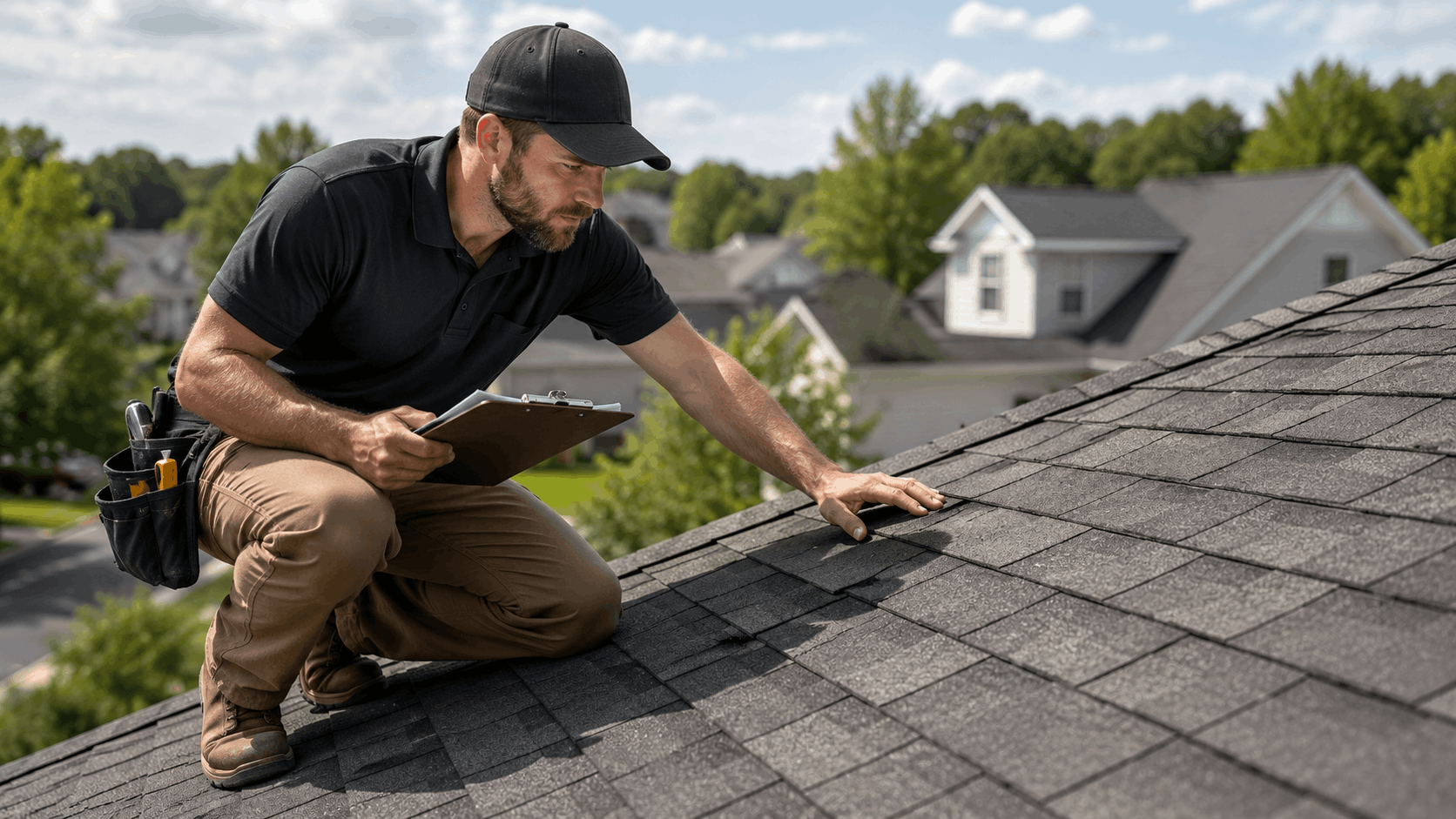
Roofing contractor inspecting asphalt shingles on residential roof while taking notes

Squarespace for Roofing Companies: Strengths and Weak Spots

Squarespace is known for clean, polished design. For a roofer who wants to look established and modern, it has real appeal. The question is whether good looks translate into booked jobs.

Here is how Squarespace looks through a roofer's eyes.

FactorSquarespace StrengthSquarespace Weak Spot
DesignSharp templates out of the boxLess customization freedom
EditingStructured and tidyRigid for quick changes
Local SEODecent on-page controlsWeak for multi-area roofers
PricingAll-in-one plansAnnual billing commitment

Polished Templates and Brand Feel

Squarespace looks sharp right out of the box. Its templates are designed by professionals, so even a basic site feels modern and clean. For a roofer, that polish helps you look established.

A homeowner comparing two roofers often picks the one whose site looks more credible. A crisp Squarespace template can give a small crew the same brand design feel as a much larger company.

The image handling also flatters photos. A before-and-after gallery of roof jobs tends to look good on Squarespace without much fiddling. That visual quality is a genuine strength.

For roofers where brand image and a high-end look come first, Squarespace earns a serious look. The first impression it creates is one of its strongest cards.

Rigid Layouts and Editing Frustrations

The flip side of that polish is a structured editor that limits customization. Squarespace keeps things tidy by holding you inside its layout system. You cannot place things just anywhere like Wix.

For some users that structure is a relief. For others it becomes a wall. When you want a specific section arranged a certain way, the editor sometimes will not let you, and the workaround is awkward.

Quick updates can feel slower than expected. Adding a new section or rearranging content means working within Squarespace's rules, which takes getting used to. A roofer wanting a fast change may find it fiddly.

The layout limits keep sites looking clean, which is good. But for a contractor who values speed and freedom in editing, the rigidity can frustrate during a busy season.

Local Search and Service Page Structure

Squarespace gives you solid on-page SEO controls. You can edit titles, meta descriptions, and URLs, and it generates clean code. For a single-location roofer, that foundation is reasonable.

Location pages are the soft spot. Squarespace does not have a strong system for building and managing many service area pages. A roofer covering several towns has to create and maintain each one by hand.

The platform was built more for portfolios, shops, and brand sites than for local service businesses with wide coverage areas. That shows when you try to scale location pages across neighborhoods.

For multi-area roofers who need a page for each town and the older home areas within them, Squarespace can feel like it is working against you. The structure simply was not built for that kind of local SEO.

Pricing and Contract Considerations

Squarespace pricing usually runs around 16 to 23 dollars per month on annual billing, with month-to-month costing more. Plans are all-in-one, which keeps things simpler than Wix's app pile.

The annual billing is worth noting. To get the best rate, you commit to a year up front. That is fine if you are sure, less ideal if you want to test the waters.

Each tier unlocks more features. The lower plans cover a basic roofing site, while higher plans add analytics and more selling tools that most roofers do not need.

Overall, Squarespace pricing is predictable and fair for what it is. The value question is whether a design-first platform gives a roofer enough lead-driving local SEO power for the money.

Grow Local for Roofing Companies: A Builder Made for Local Service Work

Grow Local takes a different angle. It is an AI website builder shaped around how local roofers actually win work. Instead of a blank canvas or a generic template, it builds a site structured for local search from the start.

Here is how Grow Local lines up for a roofing business.

FactorGrow Local StrengthBest For
SetupAI builds service and location pagesRoofers starting from scratch
SpeedFast-loading pages by defaultStorm-season mobile traffic
Local SEOBuilt-in local structureMulti-area roofers
ManagementSimple editing, no codeBusy crews

AI Setup Built Around Roofing Services

The AI setup in Grow Local builds out service and location pages quickly. You answer a few questions about your roofing business, and it generates a starting site rather than handing you a blank screen.

That matters for a roofer who has no design background. Instead of staring at an empty page wondering where to put the quote form, you start with service pages for things like roof repair, replacement, and storm damage already in place.

The AI also drafts content using the kind of plain language homeowners search with. You review and tweak it to match your voice, but the heavy lifting of the first draft is done. See how the services setup handles this.

For a busy crew, that head start is the difference between launching this week and never finishing the site at all. Starting from a built structure beats starting from nothing.

Fast-Loading Pages and Local SEO Structure

Grow Local sites load fast by design. The platform keeps pages light so they open quickly on phones, which is where storm-season homeowners are searching.

That speed feeds directly into local SEO. Fast sites tend to rank better and hold visitors longer, so a quick-loading roofing page turns more searches into calls than a slow one.

The local SEO structure is built in, not bolted on. Pages follow a layout that helps roofers show up in nearby searches, with clean URLs and a sensible setup for service areas. The locations feature handles the town-by-town structure for you.

For a roofer who wants to rank across several suburbs and neighborhoods, having that structure baked in saves a huge amount of manual work compared with general-purpose builders.

Simple Management for Busy Crews

Editing pages on Grow Local is meant for people who are not web experts. Swap a job photo, update a service area, or change a phone number from a simple dashboard without touching code.

That simple management suits a roofing crew where the office manager handles the site between calls. A quick update takes minutes, not an afternoon of wrestling with a fiddly editor.

Posting a storm-season notice or adding a new town you just started covering is fast. The site stays current, which keeps it ranking and pulling leads instead of going stale.

For roofers who avoided getting a website because it seemed like too much hassle, the low-effort editing is often what finally gets them online and keeps them there.

Lead Capture and Mobile Performance

Quote forms and click-to-call buttons come built in and work on phones. When a homeowner taps to call after a hailstorm, the button dials. When they fill out a form, the lead reaches you right away.

Mobile performance ties it all together. Because the pages load fast and the lead tools work cleanly on phones, Grow Local catches storm-season leads that slow sites lose. You can also see which pages drive calls with lead analytics.

The whole flow is built to shorten the path from a homeowner's search to a booked inspection. Fewer steps, fewer broken forms, more calls landing on your phone.

For a roofer, that is the entire point of a website. Grow Local treats lead capture and mobile speed as the main job, not an afterthought.

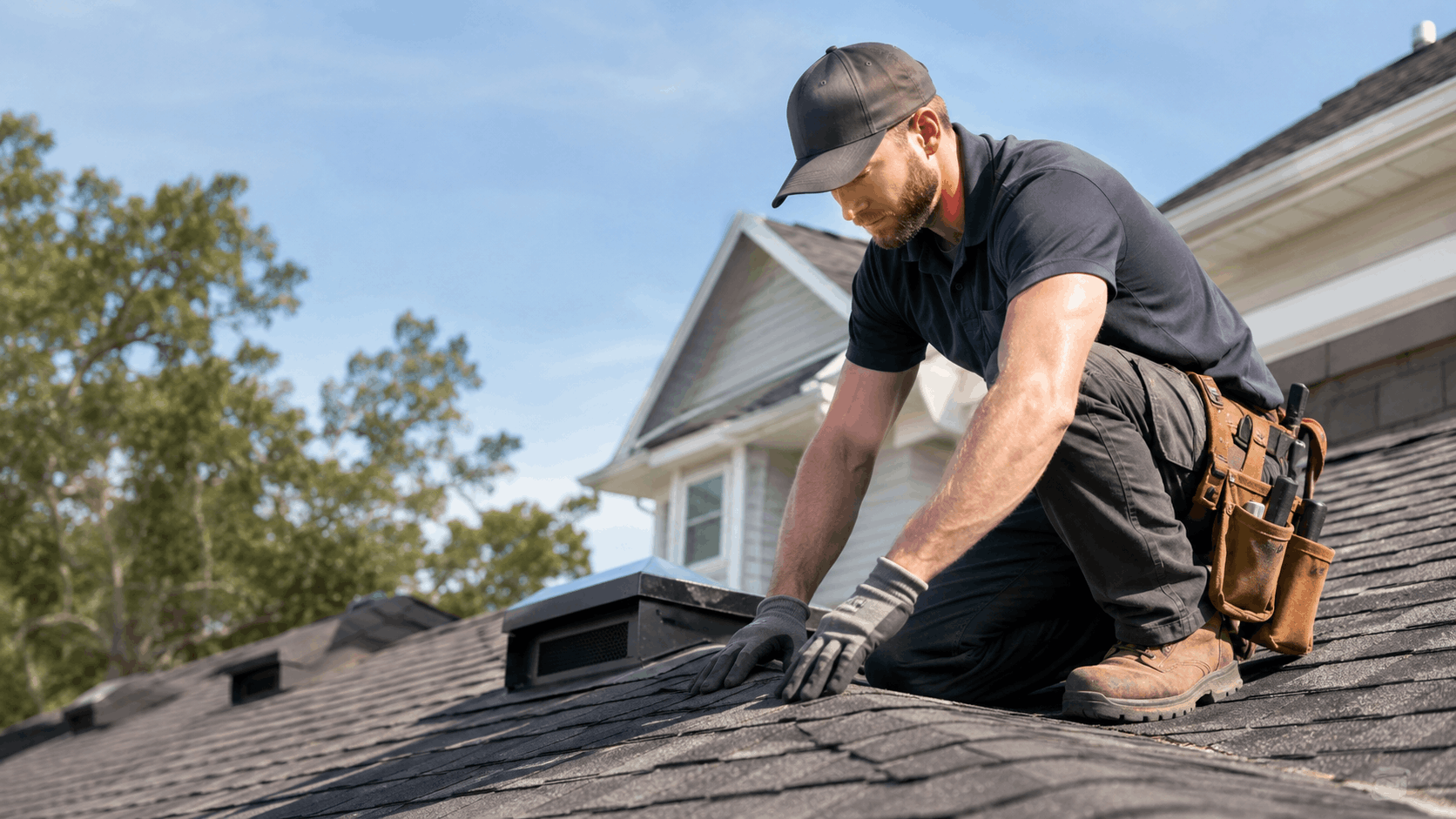
Professional roofer in black uniform inspecting asphalt shingles on residential rooftop

Head-to-Head: Speed and Mobile Performance

Speed decides whether a homeowner stays or bounces. After a storm, people are impatient and calling several roofers at once. The fastest site usually gets the first conversation.

Here is how the three builders compare on speed and mobile performance.

PlatformMobile SpeedImage Handling
WixOften slowerHeavy unless trimmed
SquarespaceModerateGood visual quality, mid weight
Grow LocalFast by defaultOptimized automatically

Why Loading Time Decides the Lead

A slow site loses homeowners who are in a hurry. Picture someone with water dripping into a bucket, calling roofer after roofer. If your page takes too long, they are already on the next one.

Loading time and bounce rate are tied together. Google has shared that as load time rises from one second to several, the chance a visitor leaves jumps sharply. For roofing, every lost visitor is a lost potential job.

This hits hardest during storm season when traffic spikes. The roofers who win those weeks are not always the best craftsmen - sometimes they just have the site that loads and answers fastest.

That is why speed sits near the top of any honest builder comparison. A gorgeous page that loads slowly still loses to a plain page that loads instantly.

How Each Builder Handles Images and Job Galleries

Roofing sites are photo-heavy. Before-and-after galleries of tear-offs and new roofs are some of your best selling tools, but lots of images can drag a page down.

Wix can handle galleries, but image-heavy pages often load slowly unless you carefully compress every photo. That extra work falls on the roofer. Squarespace handles job photos with nice visual quality, though large galleries still add weight.

Grow Local handles image optimization automatically, compressing and serving photos in efficient formats so galleries stay fast. You upload the job photos and the platform does the trimming behind the scenes. The image handling is built to keep pages quick.

For a roofer who lives and dies by visual proof of good work, automatic image handling means you can show off jobs without punishing your load time.

Real-World Speed Test Takeaways

On mobile speed tests, purpose-built fast platforms tend to score higher than feature-heavy general builders. Wix often lands lower on mobile, Squarespace sits in the middle, and lightweight builders score well.

Google measures real-world speed through Core Web Vitals, which look at how fast a page loads, becomes interactive, and stays stable. These scores feed into rankings, so they affect how high you appear.

For roofers, the takeaway is simple. A faster mobile site ranks better and converts more storm-season searches into calls. You can check any site's scores with Google's free PageSpeed Insights tool.

If two roofers do equal work, the one with the faster site books more jobs. Speed is not a vanity metric here - it is calls and revenue.

Head-to-Head: Local SEO and Getting Found in Your Service Area

Local visibility drives the most roofing calls. A homeowner searching for help in their town wants a roofer who clearly serves their area. Here is how each builder helps you rank nearby.

FeatureWixSquarespaceGrow Local
Location pagesManualManual, limitedBuilt-in system
On-page SEO controlsGoodGoodGood, structured
Google Business ProfileConnectsConnectsConnects
Ease of ranking locallyModerateHarder for multi-areaBuilt for it

Building Pages for Each Town and Neighborhood

Roofers need separate location pages for each town they serve. A single page that lists ten towns does not rank well for any of them. Google wants to see a real page built around each area.

Good local pages mention specific neighborhoods, school zones, and older home areas. A page might note the steep-pitch roofs in an older subdivision, the storm path that hit a certain ridge, or the aging shingles common on homes built in a particular decade. That detail tells Google you genuinely serve there.

Wix and Squarespace both let you build location pages, but you do it manually and maintain each one by hand. As you add towns, that gets heavy fast.

Grow Local includes a system for location pages, so spinning up a page for a new town and filling it with the right local detail is far quicker. For a roofer expanding into nearby suburbs, that built-in location structure is a real advantage.

On-Page SEO Controls and Schema

On-page SEO covers titles, meta descriptions, and structured data. All three builders let you edit titles and descriptions, which is the baseline you need to compete in local search.

Schema markup is the behind-the-scenes code that tells Google you are a local business, your service area, and your reviews. It can help you appear in rich results and local packs. Wix and Squarespace support schema with some effort, sometimes through apps or manual code.

Grow Local builds the local business structure in automatically, so the right signals are in place without you hand-coding anything. That keeps the technical side off your plate.

For a roofer who does not want to learn structured data, having clean on-page SEO and schema handled by the platform removes a real barrier to ranking.

Connecting Google Business Profile and Reviews

A Google Business Profile is one of the biggest drivers of local roofing calls. It puts you on the map and in the local pack when people search. All three builders work alongside a Google Business Profile, so you can link them up.

Reviews matter just as much. Showing recent reviews on your site builds trust and reinforces the rating people see on Google. You can set up and manage a free profile through Google Business Profile.

Wix and Squarespace can display reviews, sometimes with an app or embed. Grow Local is built to sit naturally alongside your profile and show the local trust signals homeowners look for.

The combination of a strong profile and a site that reflects your reviews is what wins the call. Whichever builder you pick, get that profile claimed and filled out first.

Which Builder Ranks Easier for Roofers

For a single-location roofer, any of the three can rank with effort. The differences show up when you serve many towns and neighborhoods.

Wix can do it but feels manual at scale. Squarespace works for design but lags for multi-area roofing SEO. Grow Local is built around local rankings, with the location structure and speed that local search rewards.

The smoothest path for most roofers chasing steady calls across a coverage area is the platform that handles local structure for them. Less manual work means more consistent pages and better rankings.

If roofing SEO and local visibility are your main goal, lean toward the builder that treats local search as its core job, not an add-on.

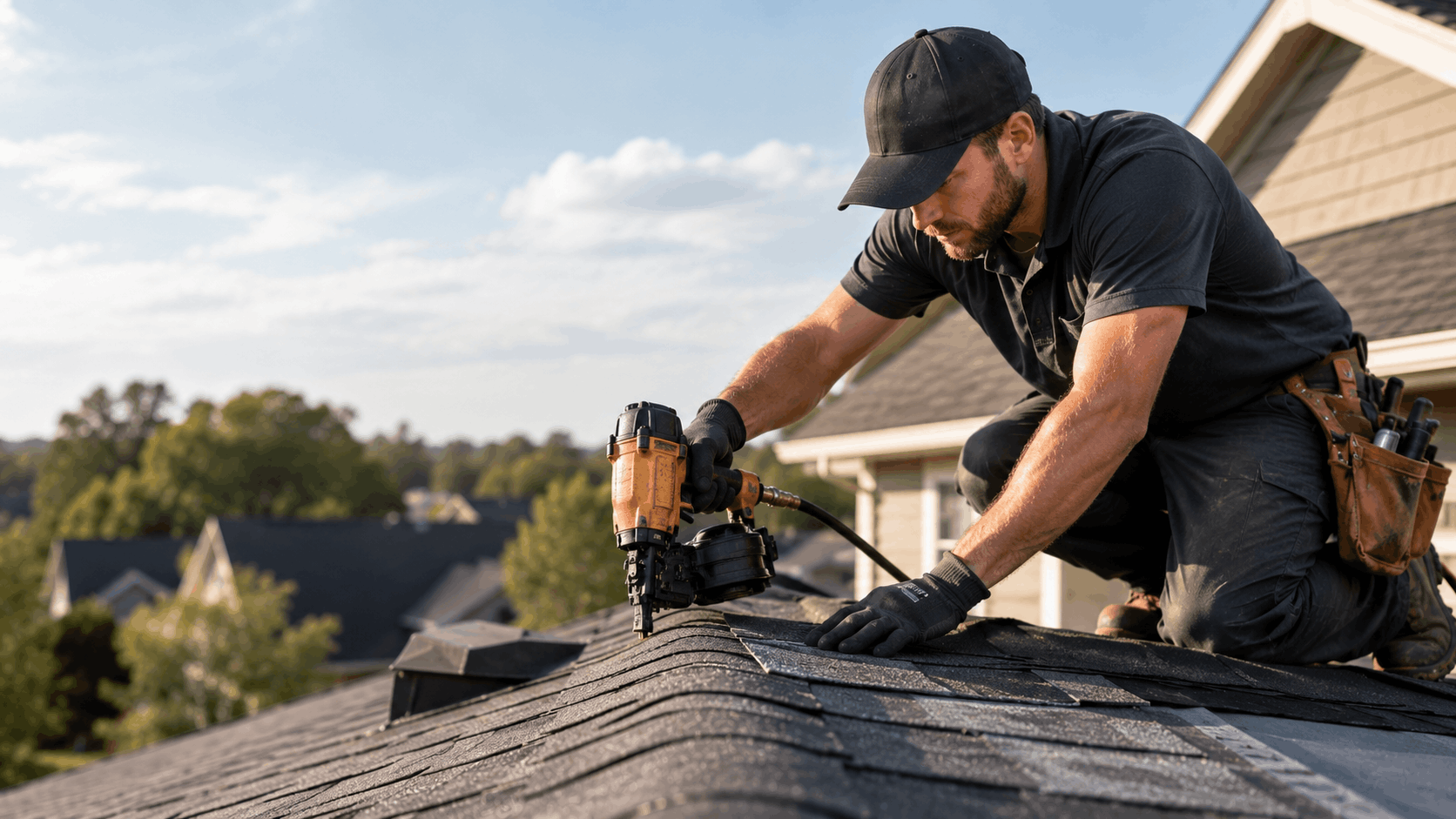
Roofing contractor using pneumatic nail gun to install asphalt shingles on residential roof

Head-to-Head: Lead Generation and Ease of Management

Traffic only matters if it turns into booked jobs. And a site only keeps working if you can keep it current during a busy season. Here is how the three compare on leads and management.

FactorWixSquarespaceGrow Local
Quote formsBuilt-in, some via appsBuilt-inBuilt-in
Click-to-callAvailableAvailableBuilt-in, mobile-ready
Editing speedFlexible but fiddlyStructuredFast and simple
Setup timeDays to weeksDays to weeksFast with AI setup

Quote Forms, Call Buttons, and Booking

All three builders offer quote forms and click-to-call in some form. The differences are in how reliable they are on phones and how much setup they take.

Wix has forms, but the better ones sometimes come through paid apps, and complex forms can be heavy on mobile. Squarespace has clean built-in forms that work well, though booking tools live on higher plans.

Grow Local builds quote forms and click-to-call in from the start, tuned for mobile so a homeowner can call or request an inspection in one tap. Tracking those leads is part of the leads dashboard.

For a roofer, the safest setup is the one where the lead tools just work on phones with no extra wiring. A missed form submission is a missed job.

Editing and Adding Pages on the Fly

During storm season, you may need to add a service, update pricing, or post a notice the same day. How fast each builder lets you do that varies.

Wix is flexible but the editing can be fiddly, and changes on phones sometimes need extra checking. Squarespace is tidy but its structured editor can slow down quick content updates when you want something specific.

Grow Local keeps editing simple, so adding a page or changing details takes minutes from a basic dashboard. That speed keeps the site fresh, which keeps it ranking.

A roofing site that is easy to update actually gets updated. The ones that are a hassle drift out of date and quietly lose leads over the months.

Support and Setup Time to Go Live

Going live on Wix or Squarespace from scratch usually takes days to a few weeks, depending on how much you build and how comfortable you are. You are designing pages, writing content, and wiring up forms yourself.

Both offer help through documentation and support channels, with Squarespace known for solid guides and Wix for a large help center. That support helps, but the build is still largely on you.

Grow Local shortens setup with AI that generates your service and location pages up front. Instead of weeks staring at a blank canvas, you start with a working draft and refine it. See the full feature set for what comes ready out of the box.

For a roofer who needs to be online before the next storm, that faster path to launch can be the deciding factor.

Choosing the Right Builder for Your Roofing Business

The best website builder depends on your situation, your budget, and how hands-on you want to be. There is no single right answer for every roofing business, but the priorities point clearly in different directions.

Best Pick for Design-Focused Roofers

If a high-end look and brand image come first, Squarespace is the natural lean. Its templates are polished, and the design quality can make a small crew look like a large, established company.

Wix also suits roofers who want hands-on control over every visual detail and enjoy fiddling with layout. The freedom to place anything anywhere appeals to people who like designing.

Both reward time and a bit of design sense. If you have someone on the team who cares about branding and will sweat the visual details, these platforms can produce a striking site.

Just remember that looks alone do not book jobs. A beautiful site still needs speed and local SEO underneath to actually pull calls.

Best Pick for Roofers Who Want Leads First

If steady calls matter more than winning a design award, lean toward the builder focused on speed and local search. For most roofers, leads are the whole reason for having a site.

A fast, locally structured site brings in more inspections than a slow, pretty one. That is why a lead-focused roofer should weigh local SEO and mobile speed above template polish.

Grow Local is built around this exact goal. The fast pages, built-in local SEO structure, and working lead tools all point at one thing - turning nearby searches into booked jobs.

For roofers chasing consistent volume across a service area, the lead-first approach usually wins over the design-first one in the long run.

Best Pick for Busy Owners Short on Time

Many roofing owners have no time to fuss over a website. Between bids, crews, and supplier runs, building and maintaining a site falls to the bottom of the list.

For those owners, the AI setup and simple management of Grow Local fit the reality of the job. The site builds itself from your answers, and updates take minutes from a phone or laptop.

That time-saving matters more than people admit. The cheapest plan is worthless if the site never gets finished or never gets updated.

For a small, busy crew, the platform that gets you online fast and stays easy to manage is usually the right call. Less time on the site means more time on the roof.

Matching Budget to Long-Term Value

All three builders cost somewhere in the range of 15 to 35 dollars per month once set up properly. That is a small number against the value of even one extra roofing job.

A single re-roof can be worth thousands. If a faster, better-ranking site books just one or two extra jobs a year, it pays for itself many times over.

So the budget question is not really about the monthly fee. It is about long-term value - which platform brings in the most booked work over a year.

Looking at it that way, the right pick for a roofing business is the one that drives the most leads, not the one that shaves a few dollars off the monthly cost.

Two contractors reviewing roofing options on laptop with blueprints and hard hat

Final Thoughts

Wix gives you design freedom but can run slow and turn messy in untrained hands. Squarespace looks sharp and polished but leans toward design over local lead generation. Grow Local is built around the way roofers actually win work - fast pages, local SEO structure, and simple management.

For a roofing company, the website that loads fast, ranks locally, and captures leads on a phone is the one that books the most jobs during storm season. That is the job your site exists to do.

If you want a roofing site built for local search and ready before the next storm, start with Grow Local at www.growlocal.build. The AI builds your service and location pages fast, so you can get back on the roof and let your site bring in the calls.

Frequently Asked Questions

Which website builder is best for a roofing company?

It depends on your goal. If design and brand image come first, Squarespace or Wix can look great. If you want leads, fast pages, and strong local search across many towns, Grow Local fits better. It builds service and location pages with AI and keeps editing simple, which suits busy roofers who want booked inspections more than a design award.

How much does a roofing website cost on Wix, Squarespace, or Grow Local?

Most roofing sites run roughly 15 to 35 dollars per month once set up. Wix starts low but climbs with paid apps, custom domains, and ad removal. Squarespace bundles features into all-in-one plans on annual billing. Common add-ons include forms, booking tools, and analytics. Against the value of even one extra roofing job, the monthly difference between platforms is small.

Do I need separate pages for each town I serve?

Yes. One page listing every town does not rank well for any of them. Google wants a real page built around each area, mentioning specific neighborhoods, school zones, and older home areas. Wix and Squarespace let you build these by hand, which gets heavy as you add towns. Grow Local includes a location page system that makes adding each town quick.

Why does website speed matter for roofers?

After a storm, homeowners call several roofers at once on their phones. A site that takes more than three or four seconds loses them to the next roofer. Slow pages also rank lower because Google uses speed as a ranking factor. Fast loading keeps storm-season visitors on your page and turns more searches into calls, so speed directly affects your bookings.

Can I build a roofing website myself without coding?

Yes. Wix, Squarespace, and Grow Local all avoid code. Wix uses drag-and-drop, which is flexible but can get messy. Squarespace uses a structured editor that stays tidy but limits changes. Grow Local is usually the easiest for beginners because the AI builds the site from your answers, so you start with working pages instead of a blank screen.

How long does it take to launch a roofing website?

On Wix or Squarespace, building from scratch usually takes days to a few weeks, since you design pages and write content yourself. Grow Local is faster because the AI generates your service and location pages up front, so you start with a working draft and just refine it. That can mean being online in a fraction of the time, ready before the next storm.

Will my website show up on Google for local roofing searches?

It can, with the right setup. You need solid local SEO structure, location pages for each town, clean titles and descriptions, and a connected Google Business Profile with reviews. Grow Local builds the local structure and schema in automatically, which removes a lot of technical work. Pair that with an active Google Business Profile and you give yourself a strong shot at local rankings.

Can I add before-and-after job photos easily?

Yes, all three handle galleries. The difference is load time. On Wix, heavy galleries can slow pages unless you compress each photo. Squarespace shows photos with nice quality but large galleries still add weight. Grow Local optimizes images automatically, so you can upload job photos and keep pages fast. For roofers who sell with visual proof, automatic image handling protects your speed.

What happens to my site if I switch builders later?

Your text content and photos are yours, so you can move them, but the design and structure usually do not transfer between builders. You typically rebuild the layout on the new platform and keep your domain. Before switching, save copies of your content and images, note your current pages, and keep your Google Business Profile intact so your local presence carries over.

Is Grow Local a good fit for a small roofing crew?

Yes. Small crews rarely have time to design or maintain a website. The AI setup builds your service and location pages fast, and editing is simple enough to handle from a phone between jobs. The pages load quickly and capture leads on mobile, which catches storm-season calls. For a busy team that wants leads without fuss, it fits well.

Grow Local Team

Written by Grow Local Team

Editorial

Grow Local helps local service businesses build SEO-ready sites and grow online.

Ready to improve your local visibility?

Get started now and discover local opportunities you're missing.

Get Started Now

No commitment, cancel anytime