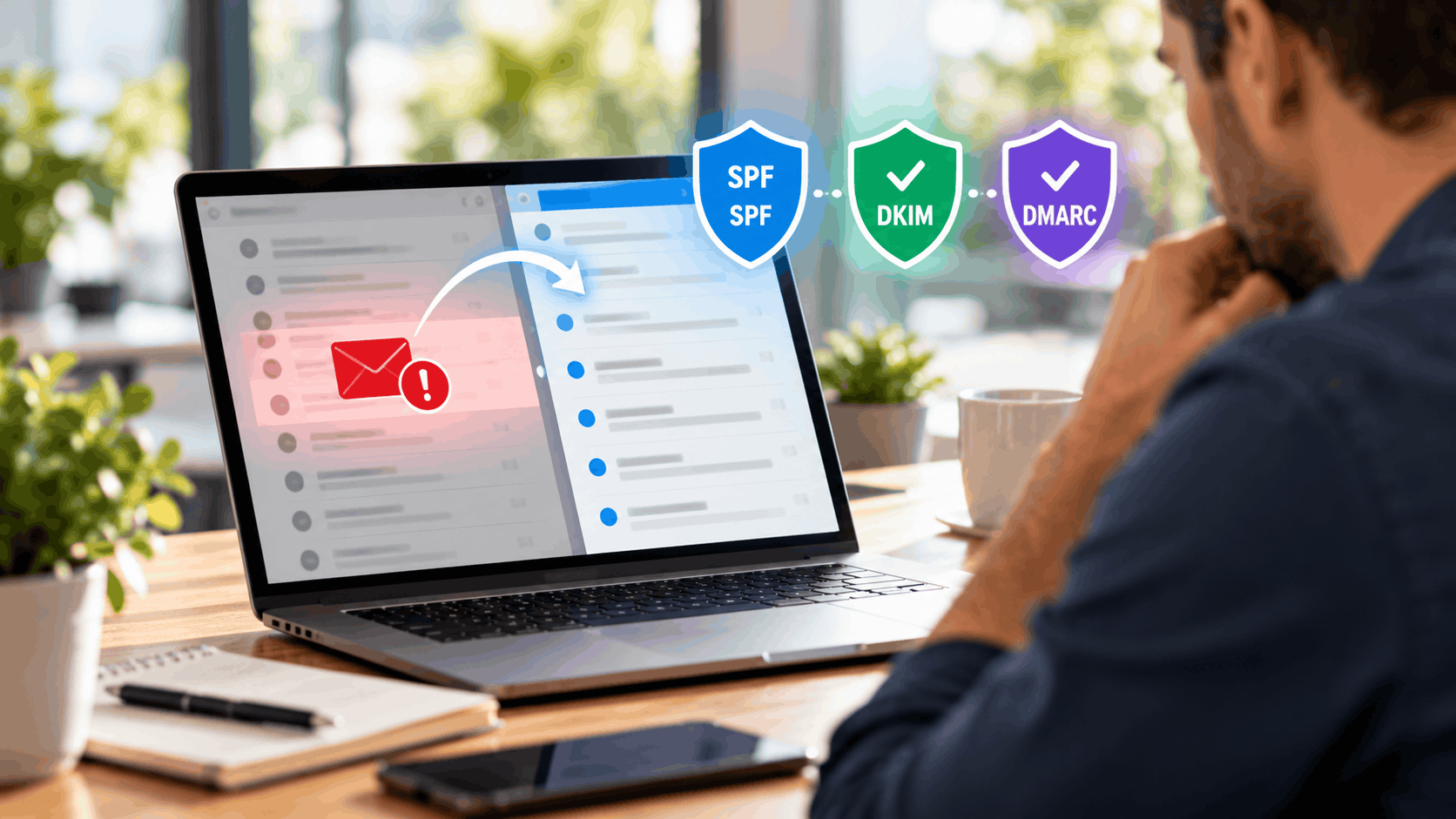
SPF in Plain English
SPF stands for Sender Policy Framework. The name sounds complicated, but the idea is short. SPF is a published list of the mail servers allowed to send email for your domain.
When another server receives a message claiming to be from your domain, it looks up your SPF record. If the sending server is on the approved list, that is a point in the message's favor. If it is not on the list, that is a warning sign. This is one of the main building blocks of email authentication.
For a local business, SPF is usually set once and then left alone. The work is in making sure every service that sends mail for you is included on the list. Miss one, and that service's messages can start landing in spam.
What SPF Actually Does
SPF publishes your approved senders so receiving servers can check them. In plain terms, it answers one question: is this mail server allowed to send email using your domain name? The receiving server reads your list and compares.
Every email travels from a mail server. Your email provider runs one. Your booking tool might run another. A contact form on your website could send through a third. SPF names the servers you trust to speak for you.
When a message arrives from a server on your list, SPF passes. When it arrives from a server not on the list, SPF fails, and that message looks more suspicious to the filter. A scammer using your name from their own server will fail this check, which is exactly the point.
So SPF is a gatekeeping step. It does not read the message or judge the words. It only confirms the message came from a sending point you approved ahead of time.
A Simple Everyday Analogy
Imagine a front desk at an office building. The desk has a guest list of people allowed to speak on behalf of the company. When someone arrives claiming to represent the business, the desk checks the list.
If the visitor's name is on that list, they are waved through. If the name is not there, the desk gets cautious and may turn them away. SPF works the same way for email servers.
Your SPF record is that guest list. Each approved mail server is a name on it. A receiving mail system is the front desk checking whether the sender belongs.
The analogy also shows the risk. If you forget to add a real team member to the guest list, the desk turns away someone who truly works for you. In email terms, a legitimate service gets filtered because it was left off the list.
Where SPF Lives
SPF is a short line of text stored in your domain settings, in an area called DNS. DNS is the internet's address system, and it holds small records that answer questions about your domain. SPF sits there as one of those records.
The specific type is called a TXT record, which simply means a record that holds text. Inside it is a line listing your approved sending servers. It is not a program or a file, just a line of plain text that servers read when they need to check.
Most businesses add this record once. As long as the services sending your mail do not change, the SPF record keeps doing its job without further attention. You set it, confirm it works, and move on.
You add it through your domain or email provider's control panel. Your provider publishes the exact text to use, so there is no need to write it from scratch. Confirming the exact values with that provider is the safest way to get it right.
A Common SPF Mistake
The most frequent SPF error is leaving out a service that sends mail for you. A booking tool, an invoicing app or a website form each send email, and each needs to be on the list. Forget one, and its messages start failing the check.
This misconfiguration is sneaky because most of your email still works fine. Your main provider is on the list, so day-to-day mail delivers. But the appointment reminder from your booking tool or the receipt from your invoicing app quietly slips into spam.
A missing sender is easy to overlook because the owner never sees the failure. The customer does, when the reminder never arrives. By then the damage, a no-show or a confused customer, is already done.
The fix is to list every sending service in your SPF record. Before setting it up, write down every tool that sends email in your name. We cover that step-by-step later in this guide.