Short answer: Google AI Overviews and traditional search rankings are two different parts of the same results page. An AI Overview is a short AI-written summary that appears for some searches, with links to the pages it drew from. Traditional rankings are the familiar list of web pages and, for local searches, the map results with business listings. To compare them simply: AI Overviews pick supporting pages while writing an answer, can link to pages that are not in the top few results, and often reduce clicks to the regular links below. Traditional rankings order whole pages and businesses by relevance and quality, and for local searches Google weighs relevance, distance and prominence. The good news for local business owners is that Google says there are no extra requirements to appear in AI Overviews. The same basics that help you rank (a clear website with a page for each service and town, a complete Google Business Profile, real reviews and accurate details everywhere) are what make you eligible for both. This guide compares the two side by side, explains what each means for a local business and shows how to show up in both.
Key Takeaways
- 1AI Overviews are AI-written summaries with supporting links that appear for some searches; traditional rankings are the list of web pages and, for local searches, the map results.
- 2Google says there are no additional requirements or special optimizations needed to appear in AI Overviews beyond being indexed and eligible for a snippet.
- 3In a Pew Research Center study, people clicked a regular result in 8% of visits when an AI summary appeared, compared with 15% when none did.
- 4Local map results are ranked on relevance, distance and prominence, and Google says no one can pay for a better local ranking.
- 5Searches for a business to hire still lean on the map results, Business Profiles and websites; AI Overviews appear more often for informational questions.
- 6Clear service and town pages, direct answers, a complete Business Profile, real reviews and consistent details help in both.
- 01What a Google AI Overview Actually Is
- 02How Traditional Search Rankings Still Work
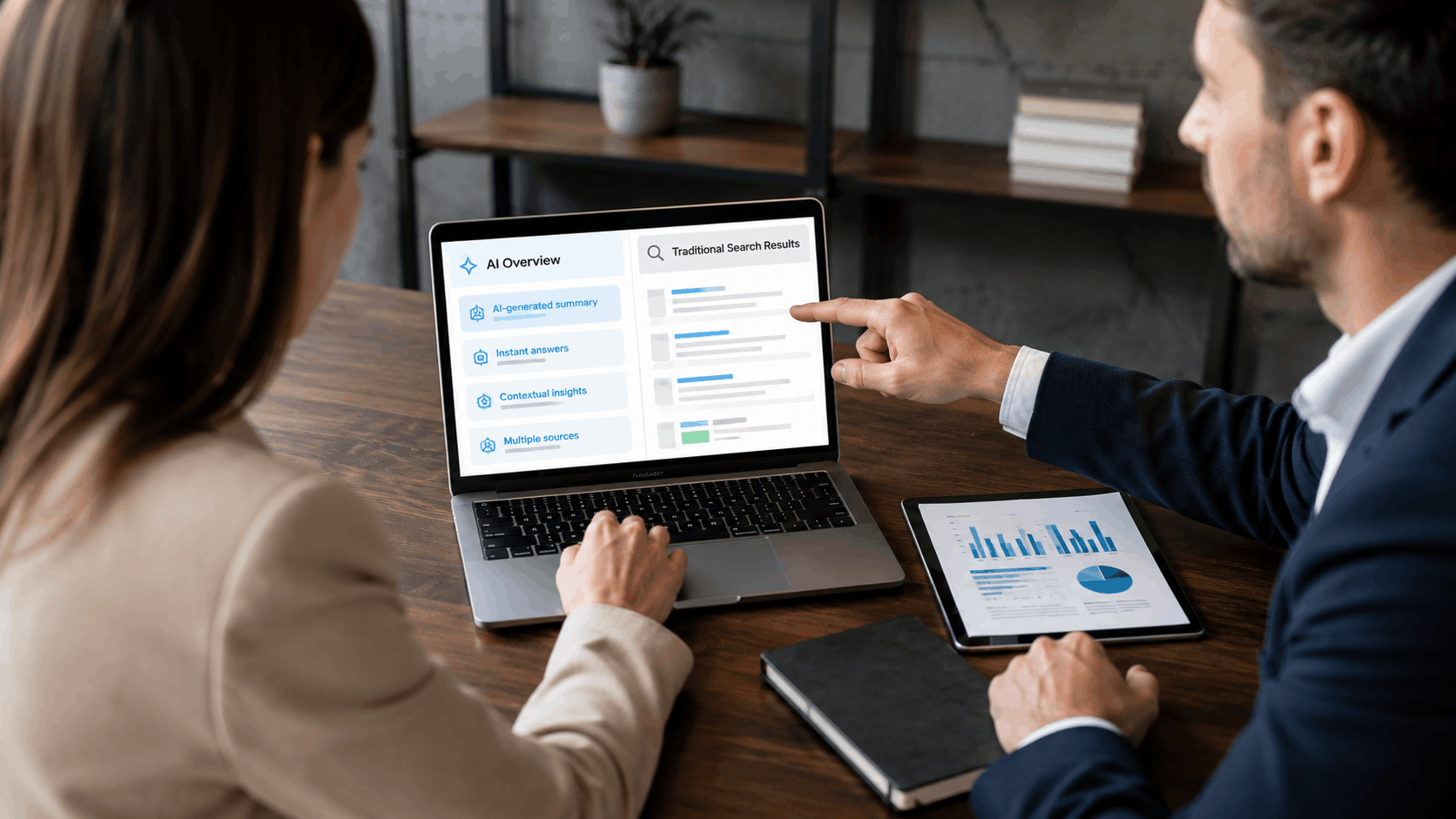
- 03AI Overviews vs Traditional Rankings: Side by Side
- 04The Real Differences Between the Two
- 05Why This Matters for Local Businesses
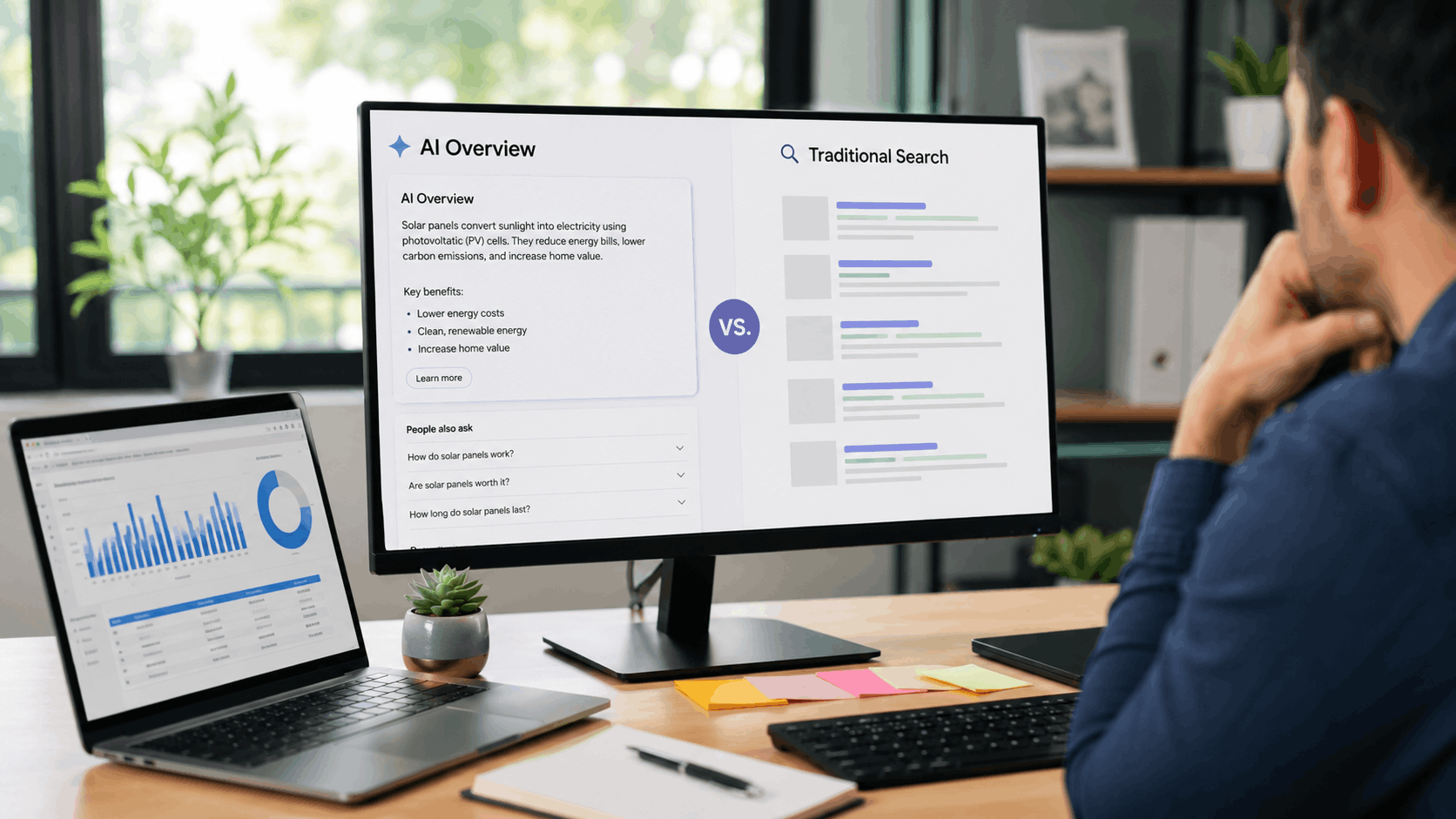
- 06How to Show Up in Google AI Overviews
- 07How to Win Traditional Rankings at the Same Time
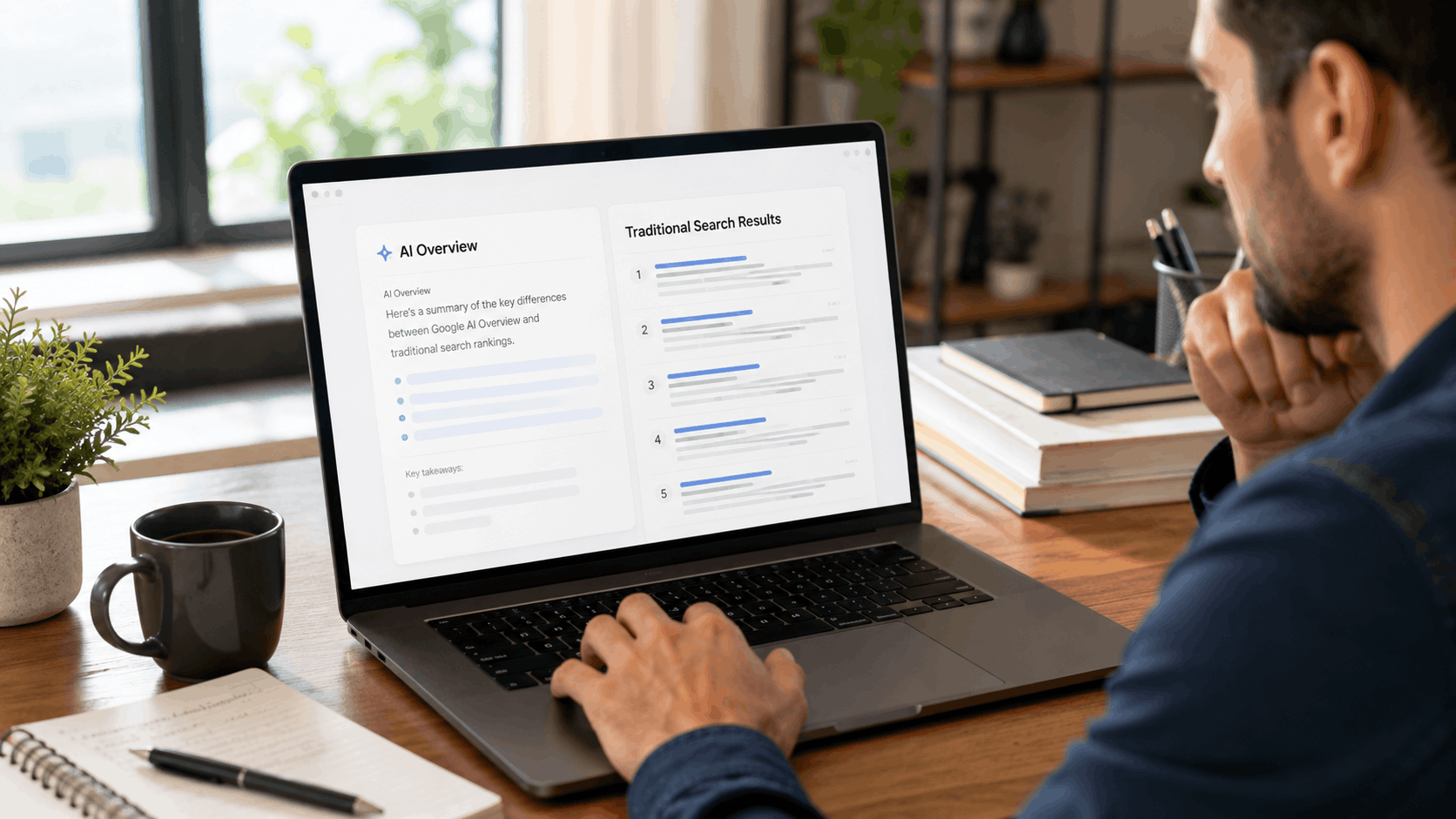
- 08One Search, Three Places to Appear: An Example
- 09Content That Works for Both
- 10A Simple Template for a Page That Serves Both
- 11Before and After: Rewriting a Vague Intro
- 12Beyond Google: Other AI Tools
- 13Myths About AI Overviews
- 14What to Track
- 15What to Do If Your Search Traffic Drops
- 16A Simple Plan for the Next 90 Days
- 17What This Means by Type of Business
- 18Common Mistakes
- 19Questions to Ask an SEO Provider About AI Search
- 20A Site Built to Show Up in Both
- 21Frequently Asked Questions
- 22Final Thoughts
What a Google AI Overview Actually Is
An AI Overview is a summary box that Google shows at or near the top of the results for some searches. Instead of only listing websites, Google writes a short answer using its AI and adds links to pages that support it. Google first tested the idea as the Search Generative Experience, or SGE, and now runs AI Overviews widely in Google Search. It also offers AI Mode, a separate tab for longer, more complex questions with follow-ups.
Google says AI Overviews appear only when its systems judge them useful in addition to classic results, so many searches do not show one. In a Pew Research Center study of 900 US adults' real browsing in March 2025, 18% of their Google searches produced an AI summary. The share has likely changed since, and it varies a lot by type of search.
How the AI summary pulls its answers
According to Google's guide to AI features and your website, AI Overviews and AI Mode may use "query fan-out," which means "issuing multiple related searches across subtopics and data sources" to build a response. While the answer is being generated, Google's models identify supporting pages, which Google says lets it "display a wider and more diverse set of helpful links" than classic search.
The links come from pages that are already in Google's index. The AI is a layer on top of search, not a separate web. If a page is not indexed and eligible to show a snippet, it cannot be linked in an AI Overview.
AI answers can be wrong
Google notes that AI responses may include mistakes, according to Google Search Help. For a local business, that means an AI summary could show outdated hours or describe your services inaccurately if your own website and listings are unclear or inconsistent. Fixing the facts at the source is the best protection.
Where it shows up on the results page
When an AI Overview appears, it is usually at or near the top of the results, and it can take up much of a phone screen. Ads, the map results and regular links may appear above or below it depending on the search. On a phone, a searcher may need to scroll past the summary before reaching the map or the first regular result. Many AI Overviews start collapsed, with a "Show more" option, and the supporting links appear beside or within the text as small cards or link icons.
Which searches tend to trigger one
Google does not publish a list, and it changes over time. In practice, AI Overviews appear most often for questions that need explaining or comparing, and less often for searches where someone wants a specific business, website or place. Some broad patterns:
- More likely: "how" and "why" questions, comparisons ("metal roof vs shingles"), symptoms and causes ("why is my AC blowing warm air"), and planning questions ("what to expect at a first chiropractic visit").
- Less likely: brand or business name searches, "near me" searches, searches for a specific website and many transactional searches where Google shows the map, shopping results or ads instead.
- Varies: cost questions ("how much does tree removal cost") and local questions with a town name. Some show a summary, some go straight to the map.
The only way to know for your own market is to search your main services and common questions on your phone and see what appears.
AI Overviews vs AI Mode
AI Mode is a separate experience in Google Search for longer, more complex questions. Instead of a short summary above regular results, it gives a fuller AI response with links to supporting websites and lets people ask follow-up questions. Google says AI Overviews and AI Mode may use different models and techniques, so the links they show can differ. Both draw on Google's index, and Google says the same guidance applies to both. For most local businesses, AI Overviews in regular search matter more today because that is where most searches happen, but the basics that help in one help in the other.
How Traditional Search Rankings Still Work
The regular results have not gone away. Below or around the AI Overview, Google still shows its list of web pages, ads and, for local searches, the map results.
The blue links
Traditional organic results rank whole pages. Google's SEO Starter Guide asks for content that is "helpful, reliable, and people-first," titles that are unique to each page and accurately describe it, and clear, descriptive links between pages. Google finds pages mainly through links, and it says changes can take anywhere from a few hours to several months to show up in results.
The local map results
For searches with local intent, such as "roof repair near me" or "dog groomer in Nashville," Google often shows a map with a short list of business listings, sometimes called the map pack or local pack. These listings come from Google Business Profiles. Google names relevance, distance and prominence as the main local factors, says businesses "with complete and accurate info are more likely to show up in local search results," and says there is "no way to request or pay for a better local ranking on Google," according to its help page on local ranking.
Prominence includes how well known a business is, information from across the web such as links and articles, and review count and ratings. That is why reviews and accurate listings matter so much for local businesses.
Ads
Paid ads, including Local Services Ads in some categories, can also appear on the page. Ads are separate from both organic rankings and AI Overviews, and paying for ads does not change where you rank organically.
AI Overviews vs Traditional Rankings: Side by Side
| AI Overviews | Traditional organic results | Local map results | |
|---|---|---|---|
| What it shows | An AI-written answer with supporting links | A ranked list of web pages | A map and a short list of business profiles |
| When it appears | Only when Google judges it useful | Almost every search | Searches with local intent |
| How sources are chosen | Supporting pages found during answer generation, including through related searches | Whole pages ranked by relevance and quality | Relevance, distance and prominence |
| What it draws on | Indexed web pages and other Google data | Indexed web pages | Google Business Profiles, reviews and web information |
| Special requirements | None beyond being indexed and eligible for a snippet | Google's technical requirements | A verified, accurate Business Profile |
| Effect on clicks | Often fewer clicks overall | The main source of website clicks | Calls, directions and website clicks |
| Can you pay to appear? | No | No | No (ads are separate) |
The Real Differences Between the Two
How each picks its sources
Traditional rankings judge which whole pages best answer a search and order them. AI Overviews look for passages and pages that support the answer being written, and because of query fan-out they may look at related questions the searcher did not type. That means a page can be linked in an AI Overview without being in the top three organic results, and a page that ranks well may not be linked in the summary. The two often overlap, but they are not the same list.
What each rewards in your content
Both reward helpful, accurate, people-first content. The difference is emphasis. AI Overviews make good use of pages that answer specific questions plainly, with clear headings, short direct answers and facts stated in text. Traditional rankings also weigh the page as a whole: how well it covers the topic, how it fits into your site and how other sites refer to it. A page that does both well, with a direct answer near the top and real depth below, serves both.
Clicks vs no-click searches
This is the biggest practical difference. In the Pew study, people clicked a traditional result in 8% of visits to a results page with an AI summary, compared with 15% when no summary appeared. They clicked a link inside the summary itself in just 1% of those visits, and they were more likely to end their browsing session after seeing a summary: 26% of the time, compared with 16% without one. Google's own guide says clicks from AI Overviews are "higher quality" in its observations, meaning people who do click tend to spend more time on the site.
For a local business, the takeaway is simple. Fewer people may click through from informational searches, such as "how often should I pump my septic tank," but searches where someone is ready to hire still lead to calls, map views and website visits. Those are the searches that matter most.
Speed of change
Traditional rankings shift as Google updates its systems and as competitors improve their sites. AI Overviews can change from one search to the next, since the answer is generated and the supporting links can vary. Neither is fixed. Tracking trends over months matters more than checking one search on one day.
How you see them in Search Console
Google says traffic from AI features counts toward your overall search traffic in Search Console, in the Performance report under the "Web" search type. There is no separate AI Overview report, so you see the combined picture. Our guide to reading Search Console without a marketing degree explains where to look.
Why This Matters for Local Businesses
Most local businesses win work from people who are ready to hire, and those searches still lean heavily on the map and the regular results.
How local searches behave differently
Searches like "electrician near me," "emergency roof repair Tulsa" or "dog groomer open Saturday" are about finding a specific business nearby. Google usually answers these with the map results and Business Profiles, because the searcher needs a phone number, hours, reviews and directions. Informational questions, like "why is my breaker tripping" or "how long does a roof last," are where AI Overviews show up most often.
In DreamHost's 2026 Local Business Trust Index, only 3% of US adults said they start a local search with AI, and after an AI recommendation, 45% search Google and 34% go straight to the business website. AI is growing, but for finding a local business, Google Search, Maps and websites still do most of the work.
When AI Overviews help and when they hurt
AI Overviews can help when your page is linked as a supporting source for a question in your field. Even if few people click, being cited next to an answer can build recognition. They can hurt when they answer simple informational questions completely, so fewer people visit your blog posts. For most local businesses, blog traffic was never the main source of calls, so the effect on actual leads is usually smaller than the headlines suggest. Your service pages, town pages and Business Profile remain the core.
The cost of being invisible in both
A business with no clear website and an incomplete Business Profile is easy to miss everywhere. It is not in the map results, its pages do not rank, and the AI has nothing reliable to draw on. Competitors who have done the basics take those calls. Yext's analysis of 6.8 million AI citations, vendor research from 2025, found first-party websites were the largest single source at 44%. Your own website is one of the best ways to give both Google and AI tools accurate information about you.
How to Show Up in Google AI Overviews
Google is clear that "There are no additional requirements to appear in AI Overviews or AI Mode, nor other special optimizations necessary." It also says you do not need new machine-readable files, AI text files or special markup. What helps is the fundamentals, done well.
Make sure Google can crawl and index your pages
Google's guide lists the basics: allow crawling in robots.txt and in any hosting or CDN setup, make content findable through internal links, keep important content in text form and verify your site in Search Console to catch technical problems. If a page is not indexed, it cannot appear anywhere.
Answer questions clearly and early
Put a direct answer near the top of each page. A service page should say in its first lines what the service is, who it is for, where you offer it and how to book. A guide should answer its main question in the first paragraph before going into detail. This helps readers first, and it makes the answer easy to find.
Use structured headings and lists
Clear headings that match the questions customers ask, short paragraphs, and lists for steps or options make a page easier to scan for people and easier to understand for search systems. Each page should cover one main topic.
Add structured data where it fits, and keep it accurate
Google says "There's also no special schema.org structured data that you need to add" for AI features, and that any structured data must match the visible text on the page. Google's LocalBusiness documentation requires only name and address. Treat structured data as a way to state your details clearly, not as a ranking shortcut.
Keep your Business Profile and details current
Google's AI features guide specifically tells businesses to keep Business Profile information up to date. Use the same name, address and phone everywhere, keep regular and holiday hours current and add real photos. Google's guidelines for representing your business say to use your real-world business name and warn that adding extra words to it is not permitted.
Show real local expertise on the page
Specific details beat generic claims. Name the towns you serve and what is different about working there. Explain your process, your pricing approach and common problems you solve. Show real photos of your work. Pages full of vague marketing language give both people and AI systems little to use.
Check what AI says about you
Search for your business name and for your main service plus your town. If an AI Overview shows something wrong about your business, fix your website and listings first, then use the thumbs down and "Report a problem" option on the AI Overview, as described in Google Search Help. Feedback does not guarantee a change, but accurate sources make correct answers more likely over time.
Controlling how your content appears
Some owners ask whether they can keep their pages out of AI Overviews. Google says Googlebot's robots.txt rules are the main crawl control for Search, including AI features, and that you can limit what is shown from a page with the nosnippet, data-nosnippet or max-snippet controls, or keep a page out of Search with noindex. Be careful: these controls affect regular search snippets too, so blocking AI use of a page usually means it appears less helpfully in normal results as well. For most local businesses, the better choice is to let Google crawl your pages and make sure what they say is accurate. If you use a web person, ask them to confirm that nothing on your site is blocking Googlebot by mistake.
How to Win Traditional Rankings at the Same Time
Build location-specific service pages
Give each main service its own page and each main town you serve its own page, written with real local detail. Google's spam policies treat near-identical pages that only swap the town name as doorway pages, so each town page should say something genuinely useful about that area.
Earn reviews and local links
BrightLocal's 2026 survey found 47% of consumers won't use a business with fewer than 20 reviews and 74% want reviews from the past three months. Ask every happy customer for a review and reply to the ones you get. Never buy reviews: the FTC's 2024 rule bans fake reviews, including AI-written ones, with civil penalties possible. Earn local links from your chamber of commerce, local sponsorships, suppliers and partners rather than buying them.
Keep your site easy to use on phones
BrightLocal's 2026 data found 73% of local searches start on a mobile device. Put a tappable phone number at the top of every page, keep forms short and resize photos before uploading. Test your own site on your phone regularly.
Keep your Google Business Profile active
Choose the right primary category, add your services and service areas, post updates, add new photos and respond to reviews. Google says replies show customers you value their feedback. An active, accurate profile helps in the map results and gives Google's other features current information.
One Search, Three Places to Appear: An Example
Imagine a homeowner in Charlotte, North Carolina, whose outlets stopped working in one room. She searches "outlets not working in one room." Google may show an AI Overview explaining common causes, such as a tripped breaker or a GFCI outlet that needs resetting, with links to a few supporting pages. Below it are regular results with guides from electricians and home improvement sites.
She tries the reset, it does not work, and she searches "electrician near me." Now Google shows the map results with three local electricians, their ratings, hours and phone numbers, and regular results below. She taps the one with recent reviews, opens its website, sees a page about outlet and circuit repair in her part of town, and calls.
The electrician she called did three things: wrote a clear page answering the outlet question (which might be linked in the AI Overview), kept a complete Business Profile with recent reviews (which put it in the map results), and built a service page and town page that confirmed it was the right choice. None of that required special AI tricks.
Content That Works for Both
A few types of pages tend to serve both AI Overviews and traditional rankings well for local businesses:
- Service pages that explain what the service is, signs you need it, how the job works, pricing approach and the area you cover.
- Town pages with real local detail: neighborhoods, common local issues, typical response times and nearby jobs you have done.
- Question pages and FAQs that answer the questions customers ask on the phone, in plain words.
- Cost guides that explain what affects price honestly, even if you cannot give a single number.
- Before-and-after or project pages with real photos and a short story of the job.
A Simple Template for a Page That Serves Both
Here is a structure that works for most service pages:
- A clear heading with the service and area, such as "Gutter Cleaning in Overland Park."
- A two- or three-sentence answer right below it: what you do, who it is for, the area you cover and how to get a quote.
- Signs you need the service, as a short list.
- How the job works, step by step.
- What affects the price, stated honestly, with a range if you can give one.
- Areas served, linking to your town pages.
- Real photos with descriptive alt text.
- Reviews that mention this service.
- Three to five FAQs answering what customers ask on the phone.
- A clear call to action with a tappable phone number and a short form.
This gives readers what they need quickly and gives search systems clear, well-organized information to work with.
Before and After: Rewriting a Vague Intro
Before: "Welcome to our website! We are a family-owned company dedicated to providing top-quality services with a commitment to excellence and customer satisfaction. Contact us today to learn more about how we can help you."
After: "We clean and repair gutters for homes in Overland Park, Olathe and Leawood. Most jobs take two to three hours, and we send before-and-after photos when we finish. Call or send your address for a quote, usually the same day."
The second version answers what, where, how long and what happens next in three sentences. A reader can decide in seconds, and the page states its facts plainly.
Beyond Google: Other AI Tools
ChatGPT, Gemini, Copilot and other assistants also recommend local businesses. They work differently, but they reward the same things: clear websites and accurate listings. OpenAI says sites that block its OAI-SearchBot crawler will not be shown in ChatGPT search answers, according to its ChatGPT search help page, and it says placement is not guaranteed. If you want to show up there, make sure your site does not block AI search crawlers by mistake. Our guide on getting your business recommended by ChatGPT covers this in more detail.
Myths About AI Overviews
"SEO is dead now"
AI Overviews draw on indexed pages, and Google says the same fundamentals apply. Local searches still rely heavily on the map results and regular results.
"You need special AI markup or an llms.txt file"
Google says you do not need new machine-readable files, AI text files or special markup to appear in its AI features.
"You can pay to be in the AI Overview"
You cannot pay for placement in organic results or AI Overviews. Ads are separate.
"If you rank first, you will be in the AI Overview"
Not necessarily. The supporting links can differ from the top organic results, and they can change between searches.
"AI Overviews will take all my calls"
People ready to hire still look for a business to call. The map results, your Business Profile and your website remain where those decisions happen.
What to Track
- Calls and form leads from your website and Business Profile. These are what matter.
- Search Console clicks and impressions for your service and town pages, watched over months.
- Business Profile insights for calls, direction requests and website clicks.
- How customers found you, asked on every new job.
- A monthly check of what Google and AI tools say about your business.
If impressions rise but clicks fall on informational pages, that may be AI Overviews answering the question. If calls and leads hold steady or grow, your local presence is doing its job.
What to Do If Your Search Traffic Drops
If Search Console shows fewer clicks, do not assume AI Overviews are the cause. Work through the likely reasons in order:
- Check which pages lost clicks. If it is mostly blog posts answering general questions, AI Overviews may be answering those searches directly. If it is service or town pages, look for other causes.
- Check impressions as well as clicks. Steady impressions with fewer clicks suggests people are getting answers on the results page. Falling impressions suggests a ranking or indexing problem.
- Look for technical problems. Search Console's page indexing report shows pages Google cannot index, and Google emails you about new issues.
- Check your Business Profile. A suspended profile, wrong category or changed hours can cut calls even if your website is fine.
- Look at competitors. A new competitor with more reviews or better pages can push you down in both the map and regular results.
- Compare with calls and leads. If leads are steady, a drop in informational traffic may not matter much to your business.
A Simple Plan for the Next 90 Days
- Weeks 1 and 2: verify and complete your Google Business Profile, check that your name, address and phone match everywhere and set up Search Console.
- Weeks 3 to 6: make sure you have a clear page for each main service and each main town, with a direct answer near the top and real photos.
- Weeks 7 to 12: ask every customer for a review, add an FAQ section answering common phone questions and earn one or two local links.
- Every month after: check your details, add photos, reply to reviews and search for your business to see what Google and AI tools show.
What This Means by Type of Business
Emergency and urgent trades
Towing, locksmiths, garage door repair, HVAC and electrical emergencies are mostly "I need someone now" searches. The map results and your Business Profile do the heavy lifting. Keep hours accurate, especially if you offer after-hours service, and make your phone number impossible to miss. AI Overviews matter mainly for the troubleshooting questions people search before they call.
Planned home services
Roofers, landscapers, painters, pool services and remodelers get more research-style searches: costs, materials, timing and comparisons. These are where AI Overviews appear most. Clear guides that answer those questions, linked to your service pages, give you a chance to be cited and to be remembered when the customer is ready to hire.
Health and professional services
Dentists, chiropractors, optometrists, lawyers and accountants see many question searches ("what does a chiropractor do," "do I need a lawyer for a small claims case"). Accurate, plain-language pages written or reviewed by the professional build trust with readers and give search systems reliable information. Keep claims careful and factual, especially on health and legal topics.
Cleaning and maintenance services
Carpet cleaners, window cleaners, pressure washers and house cleaners compete heavily in the map results. Photos, reviews and clear pricing explanations matter most, with a few helpful guides for common questions.
Common Mistakes
- Chasing AI tricks such as special files or hidden markup instead of fixing basic pages.
- Burying the answer under long introductions and sales copy.
- Inconsistent details such as old phone numbers or hours on directories and your own site.
- One page for everything instead of a page for each service and town.
- Copied town pages that only swap the town name.
- Ignoring the Business Profile because the website seems more important.
- Judging success by one search instead of tracking calls and leads over months.
Questions to Ask an SEO Provider About AI Search
- What exactly will you change on my site and Business Profile, and why?
- Do you promise rankings or AI citations? (If yes, be cautious. Google says no one can guarantee them.)
- Will you add anything Google says is unnecessary, such as special AI files, and charge for it?
- How will you measure results: calls and leads, or only rankings?
- Who owns the content and the website if we stop working together?
A Site Built to Show Up in Both
The fundamentals above are the same whether you build your own site or have one built. If you would rather not write every page yourself, Grow Local is a website builder for local business owners with no technical skills, covering 104 industries. You answer simple questions and it builds 50 or more pages, including AI-written service pages and a location page for each town you serve, with clear headings and your business details entered once and used site-wide.
It includes hosting, SSL, backups, a custom domain, a mobile-responsive design and a Google Business Profile connection. The dashboard shows call clicks and form leads and offers PDF SEO reports. It costs $99 a month on one plan, with no contract and no setup fee, and you can preview the full site free before paying. It has less design freedom than general builders and cannot guarantee rankings, AI citations or leads, because no one can. You still need reviews, photos and an accurate Business Profile.
Frequently Asked Questions
What is the difference between AI Overviews and traditional search rankings?
An AI Overview is an AI-written summary with supporting links that appears for some searches. Traditional rankings are the ordered list of web pages and, for local searches, the map results. AI Overviews pick supporting pages while writing an answer, while traditional rankings order whole pages and businesses.
Are traditional search rankings going away?
No. The regular results and map results still appear for nearly all searches, and Google's AI features draw on pages in its index.
Does appearing in an AI Overview bring traffic?
Some. In the Pew study, people clicked links inside AI summaries in 1% of visits, and clicked regular results less often when a summary appeared. Google says the clicks that do come tend to be higher quality.
How do I get my business cited in an AI Overview?
Google says there are no special requirements. Make sure your pages are indexed, answer questions clearly near the top, use clear headings, keep structured data accurate and keep your Business Profile current. No one can guarantee a citation.
Do AI Overviews show up for local searches?
They can, but searches for a business to hire usually lean on the map results and Business Profiles. AI Overviews appear more often for informational questions.
Should I change my SEO strategy because of AI Overviews?
Mostly no. Focus on clear service and town pages, direct answers, a complete Business Profile, real reviews and accurate details everywhere. Those help in both.
How is the map pack different from an AI Overview?
The map results show business listings from Google Business Profiles, ranked by relevance, distance and prominence. An AI Overview is a written answer with links to web pages.
Can I see AI Overview traffic in Search Console?
Google says it is included in your overall Performance report under the "Web" search type, not shown separately.
Can a small business compete with big companies in AI Overviews?
Yes, especially on local and specific questions. A clear page from a local expert can be just as useful as a page from a national site, and local map results favor nearby, well-reviewed businesses.
How long does it take to show up after building a site?
Google says changes can take a few hours to several months. New sites usually take longer. Keep improving pages and earning reviews in the meantime.
Final Thoughts
AI Overviews changed what people see first on some searches, but they did not replace the regular results or the map. They draw on the same indexed pages, and Google says no special tricks are needed. For a local business, the winning plan is the same in both: a clear website with a page for each service and town, direct answers to real customer questions, a complete and active Business Profile, steady honest reviews and accurate details everywhere. Do those well and you give Google, AI tools and customers every reason to choose you. For more on how AI tools pick businesses, see how AI tools find local businesses.